Maintenance & Prevention
KitchenAid Oven AquaLift Self Clean or High Heat: Which One Do You Have?
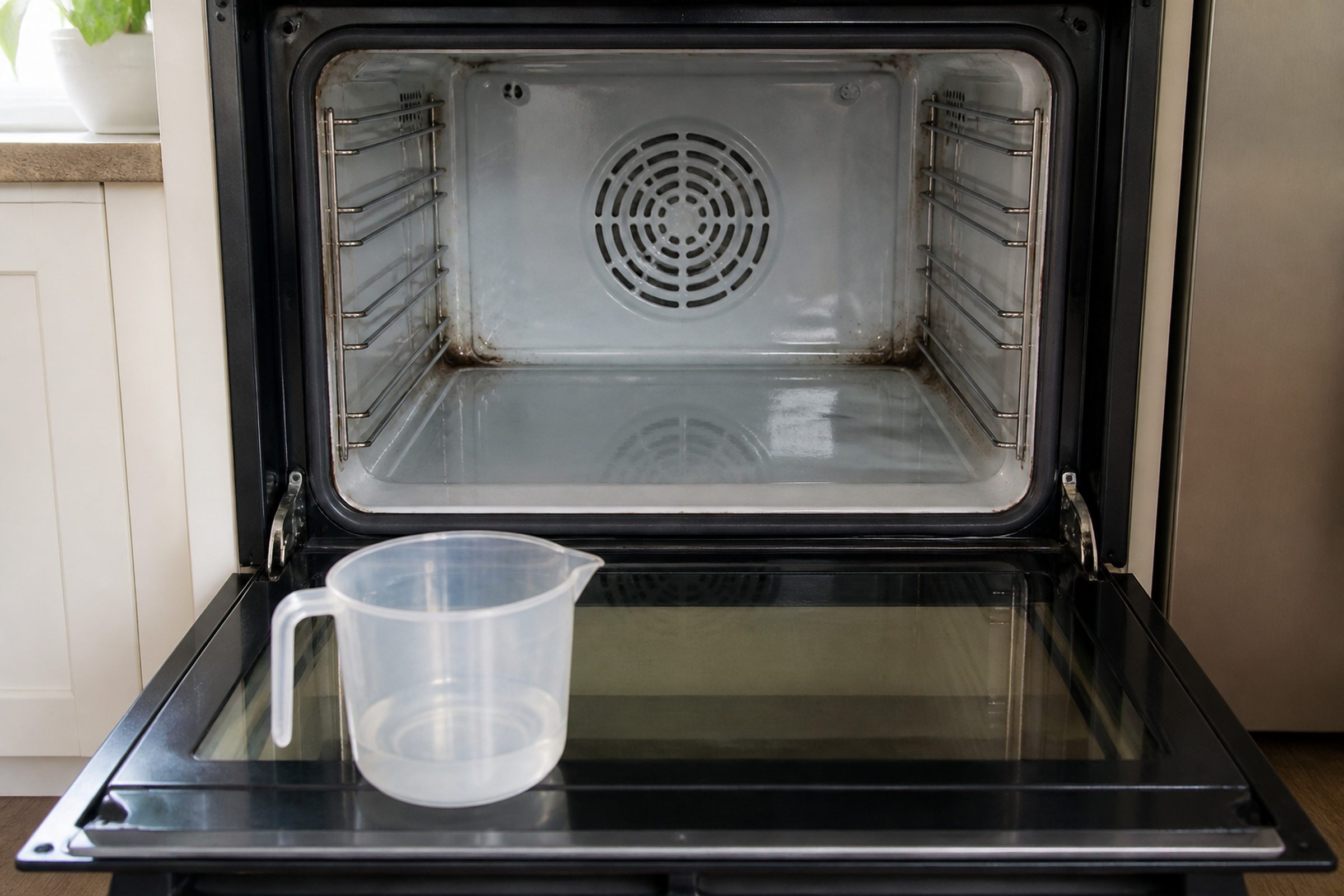
AquaLift is KitchenAid's own low-temperature steam self-clean: you pour water onto the floor of the cold cavity, start the cycle, and the oven uses gentle heat and steam to loosen soil, which you then wipe out by hand. It never gets hot, so it does not lock the door and carries none of the latch, element and thermal fuse risk that a high-heat cycle does — and it will not remove heavy carbonized soil, which is exactly why owners conclude it has failed. A high-heat self-clean does the opposite: it runs for hours at a temperature that reduces soil to ash, locks the door until the cavity cools, and puts real stress on the oven. Look at your control panel for the word AquaLift or Aqua, and for whether the cycle asks you to add water; that one detail decides how to clean the oven and how cautious to be.
The full guide
KitchenAid oven AquaLift self clean and high-heat self-clean, side by side
Two ovens with the same badge on the door can clean themselves in two completely different ways, and almost every argument people have with their oven about cleaning comes from not knowing which one they own.
AquaLift is genuinely this manufacturer's own thing. It is a low-temperature steam clean: water goes onto the floor of a cold cavity, the cycle runs gentle heat, steam does the loosening, and you wipe the residue out afterward. It never gets hot.
High-heat self-clean is the traditional method — hours at a temperature that turns soil into ash, with the door locked until the cavity cools.
Everything else on this page follows from that difference.
How to tell which one you have
Look at the panel. The word AquaLift, Aqua, or a steam clean option in the cycle list is the direct answer.
Read what the cycle asks for. If the instructions tell you to pour water onto the cavity floor before starting, that is the steam cycle. A high-heat cycle asks you to take the racks out and never asks for water.
Watch the door. High-heat locks it. Steam does not.
If the panel is ambiguous — and on some models it is — the model number and your use and care guide settle it in a minute. It is worth the minute, because the answer changes both how you clean and how carefully you treat the oven.
Running AquaLift properly
The mistakes here are all small ones, and they all produce the same disappointing result.
- Start with a cold oven. Water poured into a hot cavity flashes off before the cycle can use it.
- Use the amount of water the guide specifies, poured onto the floor of the cavity rather than into a dish.
- Wipe as soon as the cycle ends, while everything is still warm and loose. Soil that is allowed to cool and dry back down has to be loosened all over again.
- Expect to wipe. The cycle is a soak, not an incinerator. There is no version of it where you open the door to a clean oven.
- On heavy soil, run it twice, wiping between passes. That is normal use rather than a workaround.
Keep commercial oven cleaner out of it unless your guide explicitly allows it. Those products are formulated for high-heat porcelain cavities, and the maker's general position on harsh cleaners — bleach, ammonia, citrus, vinegar, abrasives — is that damage they cause is not covered by warranty.
Why AquaLift is the safer cycle, and it is not close
A high-heat self-clean is the most stressful thing an oven ever does to itself. Everything in the cavity and everything around it sits at cleaning temperature for hours: the door latch and its motor, the elements, the temperature sensor, the wiring behind the liner, the thermal fuse, and the control board in the housing above or beside it.
That is why so many searches about these ovens are variations of "not heating after self clean" and "door locked after self clean." Those are not coincidences of timing. The cycle is the load test.
AquaLift carries none of that. Low temperature, no latch cycle, no elements held at cleaning heat, no thermal fuse pushed toward its limit. If your oven has it, you have a cleaning method that cannot hurt the appliance, and that is worth more than the convenience you give up.
If your oven only has high-heat self-clean, our practical advice is not to avoid it, but to use it deliberately: wipe out loose debris and spills first so there is less to burn, take the racks out unless the guide says otherwise, ventilate the kitchen, run it during the day rather than overnight, and do not run it the week before a holiday when you cannot be without the oven. And if the oven has ever blown a thermal fuse during a self-clean, treat the next cycle as a real risk and have the control looked at rather than only replacing the fuse.
After the cycle: the two calls we get
The door is still locked. On a high-heat cycle the latch stays engaged until the cavity is genuinely cool, which takes longer than people expect — often well over an hour after the cycle ends. If it is cold and still locked, cut the breaker for a minute and restore it; that breaker cycle is the documented clearing step for several conditions on these ovens. Still locked after that means the latch motor or the board that drives it, and it needs a visit rather than a screwdriver.
The oven will not heat. Usually a thermal fuse, doing exactly what it exists to do. It can be replaced, but a fuse that blew once during self-clean is likely to blow again, and the useful question is what allowed the temperature to get there. Have the control board checked at the same time.
A code on the display. Write down both halves — the F number and the E number — before anybody resets anything. The F names the system that reported and the E names what it reported, so F2E1 and F2E0 are related while F1E1 has nothing to do with either. These codes are shared across several badges from the same corporate group, so a lookup that does not name your appliance type is easy to get wrong.
While we are on self-cleaning cycles: your washer has one too
A search that lands people here surprisingly often is how often to run a washing machine's clean cycle, which is an entirely different thing — a hot cycle with a washer cleaner in an empty drum, run about monthly to keep residue and smell out of the tub and seal. It has nothing to do with the oven, and it carries none of the same risk.
Independent KitchenAid service across Miami-Dade, Broward and Palm Beach. We are not affiliated with, authorized by or endorsed by any manufacturer.
If it turns out to be a repair
What this leads to, and what it costs
Every job on this site is priced the same way: an on-site diagnostic first, the figure agreed in writing before anybody starts.
-
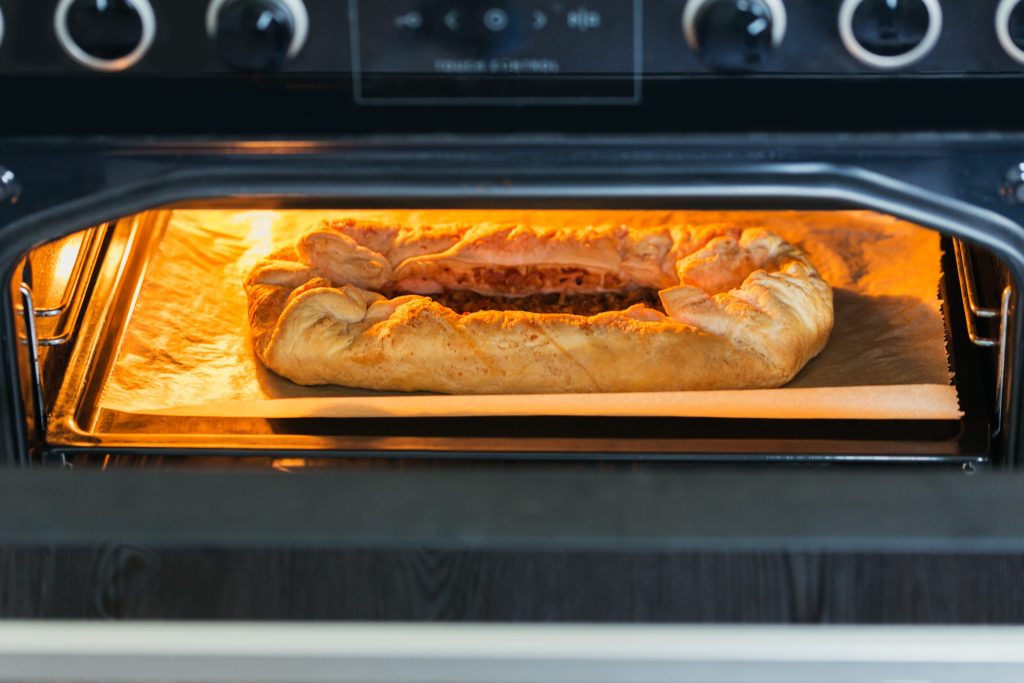
Single · Double · Combination microwave-oven · 24", 27", 30" · True Convection · Self-clean Wall ovens
Built into a tall housing, surrounded by cabinetry, and heavy. A wall oven is the appliance where the access is a real part of the job — and the combination units, with a microwave above the oven, are two appliances in one opening that report separately and fail separately.
- An F code and a letter E on the display, with the oven refusing to start
- An oven that heats but never reaches the temperature it is set to
- A door locked after a self-clean, hours after it cooled
-
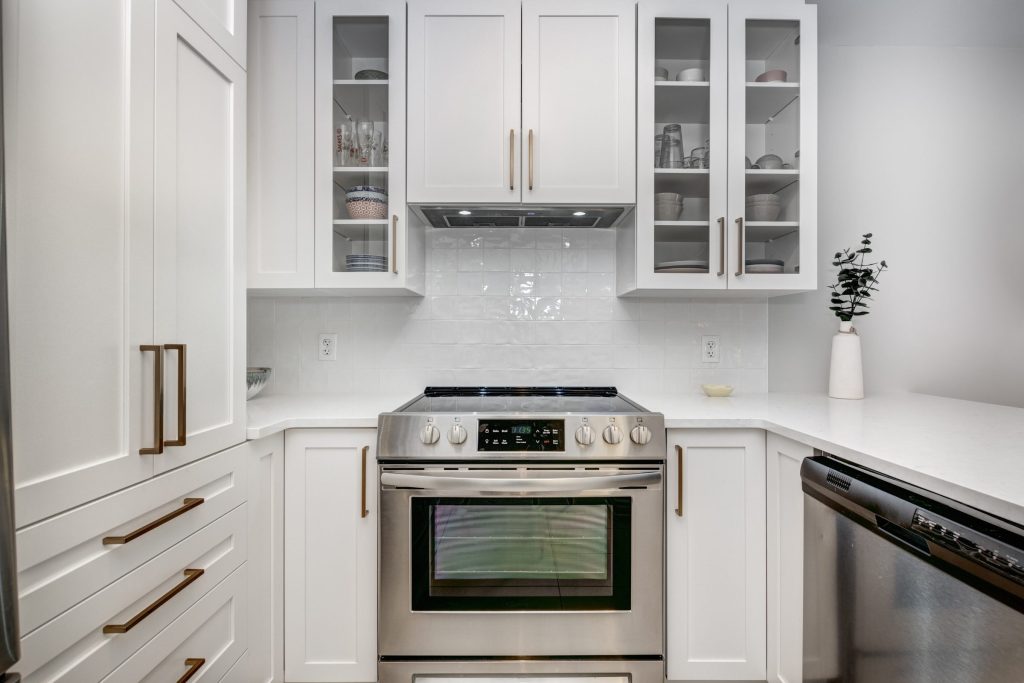
Commercial-Style · Slide-in · Freestanding · Double oven · Downdraft · Gas, electric, dual fuel, induction Ranges
One appliance and two systems that fail independently. More than half of this maker's current ranges are the Commercial-Style machines — heavy, knob-controlled, gas or dual fuel or induction — and the rest are slide-ins and freestanding ranges, including a downdraft model with the ventilation built into the appliance itself.
- The oven not reaching temperature, or running far out
- A surface burner that clicks and never lights
- A door still locked hours after a self-clean

Questions people ask about this
How long does a KitchenAid oven take to self clean?
It depends entirely on which cycle your oven has. An AquaLift cycle is the short one — well under an hour of running, followed by wiping out the loosened soil and the leftover water by hand, so allow about an hour of your attention in total. A high-heat self-clean is a different order of commitment: a few hours of cleaning on most models, and then a cool-down period before the latch releases, which can add an hour or more. Your panel or use and care guide gives the number for your model, and on a high-heat cycle it is worth starting it in the morning rather than at night.
How do I know whether my oven has AquaLift or high-heat self-clean?
Three checks. Look for the word AquaLift, Aqua or steam on the control panel or in the cycle list. Read what the cycle instructions ask for — if the oven wants water poured onto the cavity floor before you start, it is the steam cycle. And watch the door: a high-heat cycle locks it and will not release until the cavity has cooled, while the steam cycle leaves it unlocked throughout. If the panel is ambiguous, the model number and the use and care guide settle it.
AquaLift did not remove the baked-on mess. Is it broken?
Almost certainly not. That is the trade the cycle makes. It works at low temperature with steam, so it loosens soft and moderate soil and lifts it off the porcelain, and it does not have the heat to reduce carbonized, layered, years-old deposits to ash the way a high-heat cycle does. On heavy soil the productive approach is to run it, wipe what has loosened, and run it again rather than expecting one pass to do what a different technology does. Nothing about that means the oven has a problem.
The oven door locked after a self-clean and will not open.
First, give it time — a high-heat cycle keeps the latch engaged until the cavity is properly cool, and that is longer than most people expect. If it is cold and still locked, cut power at the breaker for a minute and restore it, which is the documented clearing procedure for several conditions on these ovens. If the latch still will not release after that, stop and book it: the usual causes are the latch motor or the control board driving it, and forcing a locked oven door damages the door rather than opening it.
My oven will not heat after running a self-clean.
The classic version of this is a blown thermal fuse, which is a protective part that does its job when the cavity or the surrounding cabinet runs hotter than it should. Replacing the fuse restores the oven, but a fuse that blew once during self-clean tends to blow again, so the question worth asking is why it got that hot — the control board driving the heat cycle is the thing to have looked at, not just the fuse. If the display is showing an F code and an E number, write both halves down before touching anything.
Maintenance & Prevention
More guides like this one
-
How to Reset KitchenAid Refrigerator Water Filter Light, and Which Cartridge Is Yours
The light is a counter, not a sensor. It is not reporting anything about your water, and it will keep asking until somebody tells it the cartridge was changed.
Read more -
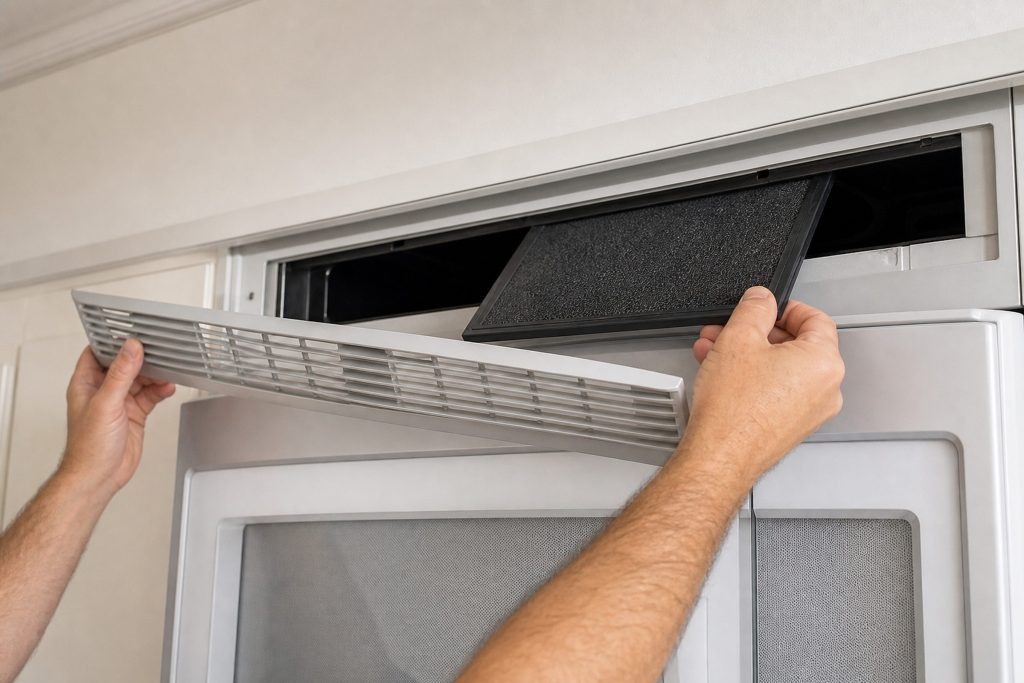
KitchenAid Microwave Charcoal Filter Replacement: The Part Behind the Grille
An over-the-range microwave is two appliances in one box. If it recirculates rather than ducting outside, there is a consumable filter behind the top grille that most owners have never seen.
Read more -
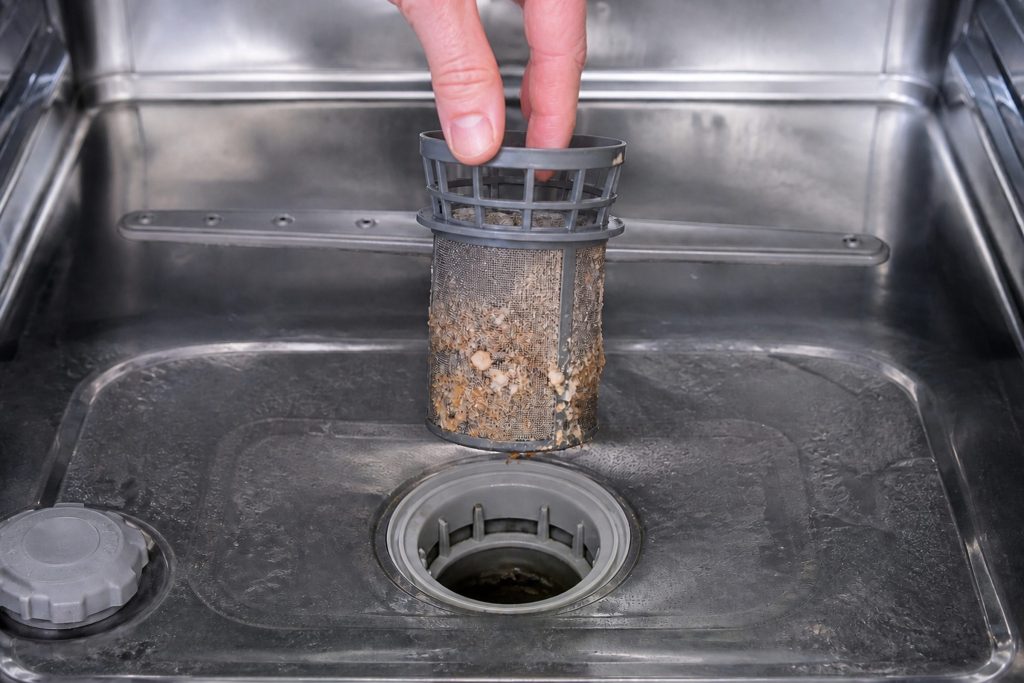
How to Clean KitchenAid Dishwasher Filter Screens — the Part Most People Don’t Know They Have
A large share of the not-cleaning calls we take end at the kitchen sink rather than with a part. The reason is simple: people who moved from an older machine with a hard food disposer have no idea there is a filter to take out.
Read more
Tell us the model number and what it is doing.
This article is based on:
- Official manufacturer documentation
- Internal repair procedures
- Technician repair history
- Company quality standards