Troubleshooting
How to Reset KitchenAid Dishwasher Controls — and What You Erase by Doing It
There is no dedicated reset button on a KitchenAid dishwasher. There are three genuine resets and they do different things. Press and hold Cancel, or Cancel/Drain, until the lights change and the machine drains — that abandons the cycle and clears most reported conditions. Check Control Lock, which is switched on by holding one pad and switched on by accident constantly, and which makes a healthy machine appear dead. And switch the dishwasher off at the breaker for five full minutes, which restarts the control itself. Do all of that only after writing down whatever the Clean light was flashing, because that pattern is an error code, it exists nowhere else, and every one of these resets erases it.
The full guide
How to reset KitchenAid dishwasher controls, in the right order
The reset itself takes about thirty seconds and there is almost nothing to it. The reason this page is longer than thirty seconds is that doing it first is the mistake, and it is a mistake that costs people a diagnosis.
When one of these machines stops, it says so with its lights. Most KitchenAid dishwashers have no numeric display — the panel is a row of cycle names and a set of indicators — so the machine reports by flashing the Clean light in a pattern. That pattern is an error code. It exists nowhere else. There is no log, no history screen, no way to recall it afterward.
And every reset on this page erases it.
We have arrived at plenty of kitchens where the answer had been on that light an hour earlier and the only thing left was somebody's recollection that "it was blinking a lot." So the order below starts with a pen.
Step one: write down what the light was doing
The pattern arrives in two bursts: a run of flashes, a short pause, another run of flashes, then a long pause before it all repeats. The first burst is the F number and the second is the E number. Seven flashes, pause, one flash is F7 E1.
Count both. Do not count straight through the short pause — reading seven-then-one as "eight blinks" invents a code that does not exist and sends every search you run afterward somewhere wrong.
While you are there, two more observations that cost nothing:
- Is there water standing in the tub, and roughly how much?
- Where did it stop — early, mid-wash, or during the drain?
Stopped dry and early is a water-arriving problem. Stopped with the tub full is a water-leaving problem. That is half a diagnosis, for free, before anybody opens anything.
Step two: check it is not simply locked
Before you reset anything, rule out Control Lock, because a locked machine looks exactly like a broken one and this is the single most common reason a perfectly healthy dishwasher appears not to be.
It is switched on by holding one pad for a few seconds — on most of these a number key or a dedicated Lock pad, and the panel marks it. Holding the same pad again for about three seconds switches it off.
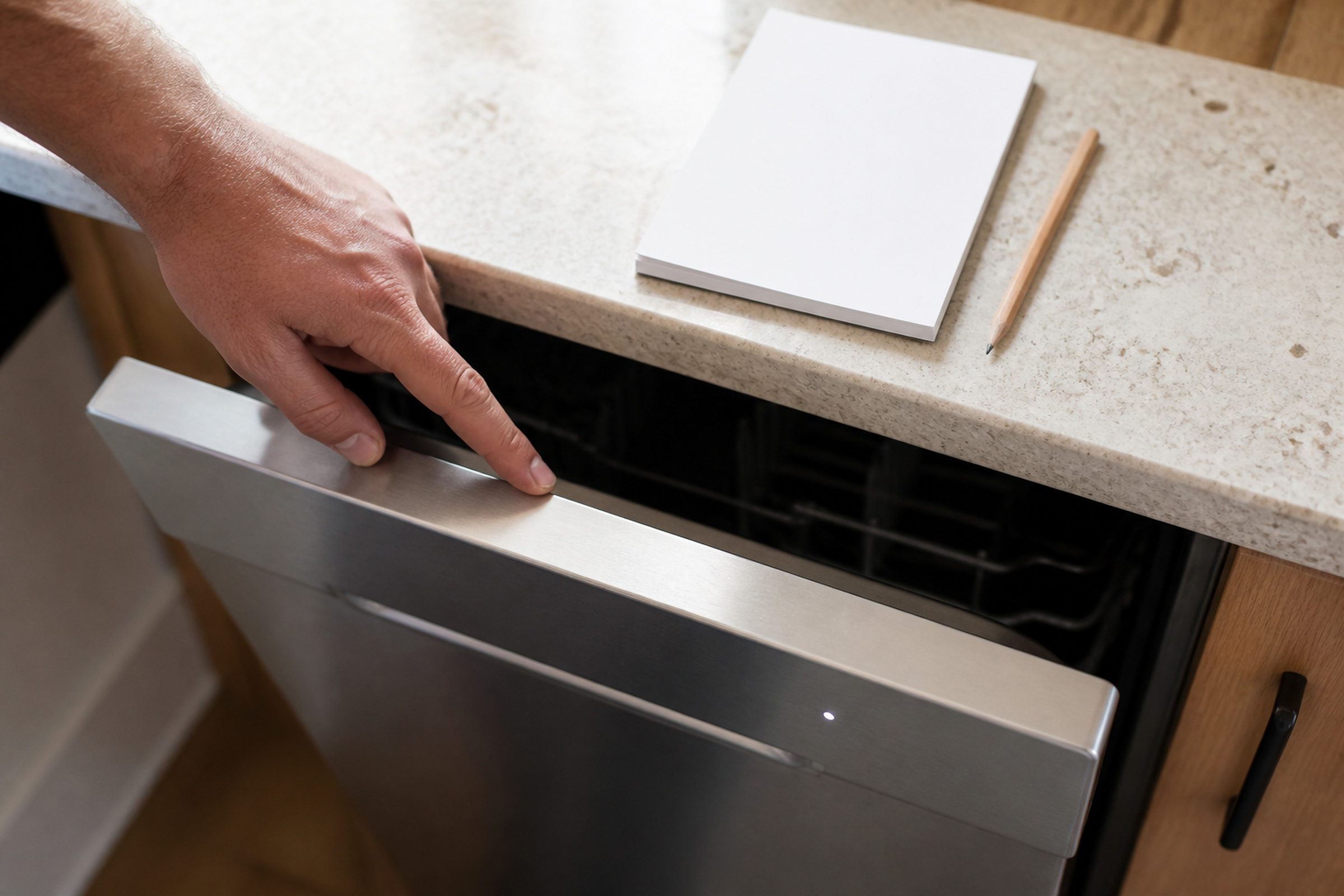
It gets turned on by a dishtowel, by a child, and by whoever last wiped the panel down. On an integrated-control machine, where the buttons live along the top edge of the door, you cannot see any of this without opening the door, which is why an integrated machine in Control Lock reads as completely dead from the kitchen.
Step three: cancel and drain
This is the first real reset, and it is the one that abandons the cycle.
Press and hold Cancel, or Cancel/Drain — the pad is named differently across the generations — until the indicators change and you hear the pump run. Then let the drain finish. Opening the door partway through means several inches of water on the floor, and these machines hold more than people expect.
For most reported conditions this is the whole reset. The machine drains, the lights clear, and it will accept a new cycle.
Step four: the breaker, for five full minutes
If the condition comes straight back, or the panel is unresponsive and not locked, restart the control itself.
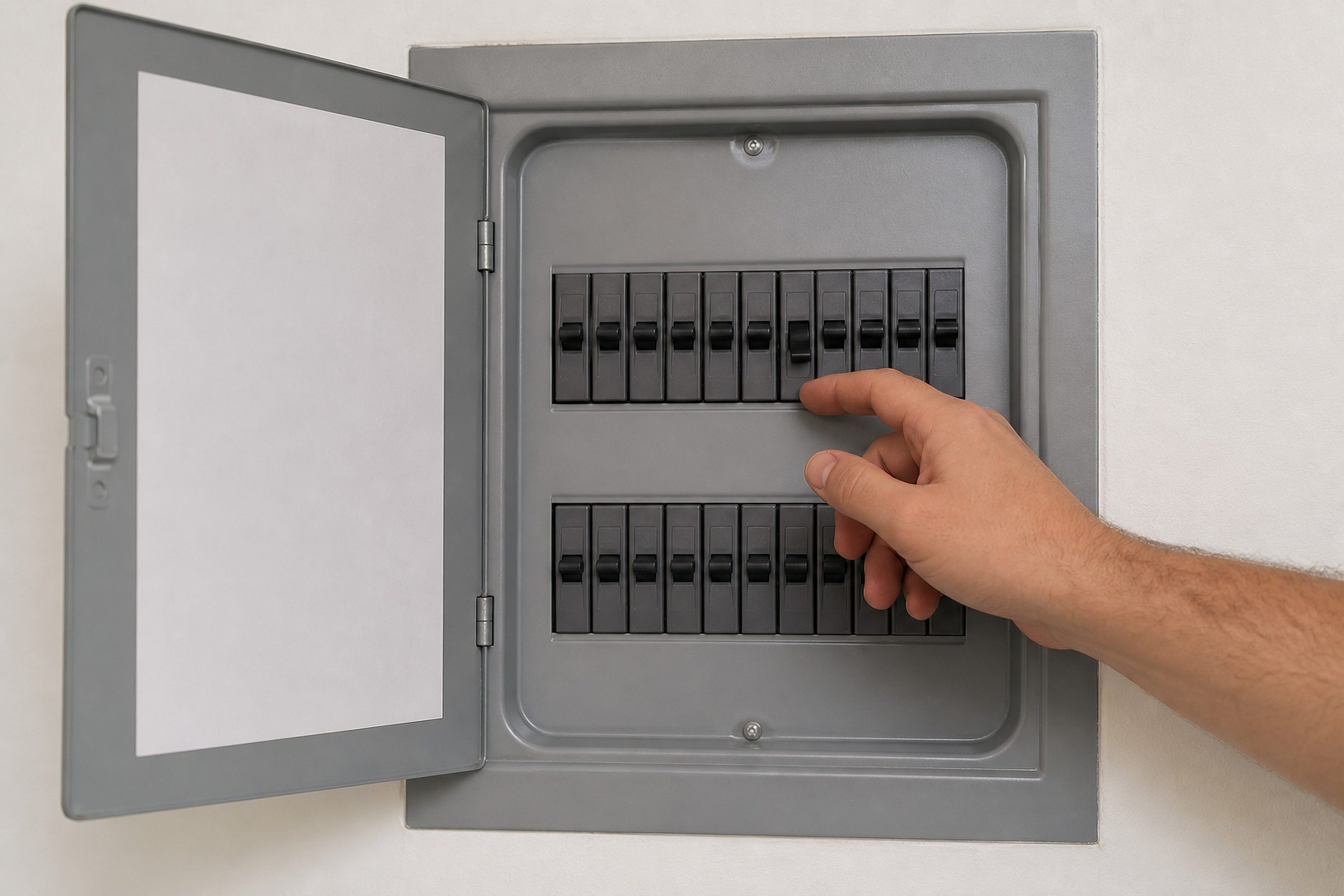
Switch the dishwasher off at the breaker. Not at the panel — most of these have no true off. If it is on a switched outlet under the sink you can use that instead.
Leave it off for five full minutes. Thirty seconds is not enough. The control holds enough residual charge to keep its state briefly, and a quick flick often changes nothing at all, which is precisely why so many people report that resetting their dishwasher "does not do anything."
Then restore power and run the shortest cycle with the machine empty.
Reading the result, which is the whole point
This is the part that makes the reset worth doing at all, because a reset is a test rather than a repair.
It clears and does not come back. The control was interrupted mid-write and got stuck. In South Florida that is not rare — a summer brownout, or a momentary cut while the machine was running, will do it. A proper power cycle clears that completely and nothing further is needed.
It comes straight back. The condition is real, and the reset has done its job by telling you so. Something the machine is genuinely reporting does not go anywhere when the power does.
That distinction is worth more than the reset itself, and it is why the pattern goes on paper first. Without the numbers, all you know afterward is that it is still broken.
What no reset on this machine will reach
Three things survive every reset there is, and trying to clear them this way is where an afternoon goes.
A blocked filter. It sits in the floor of the tub under the lower rack and comes out by hand — a quarter turn on the cylinder, then the flat screen underneath lifts out. Rinse it under a tap. A blocked filter shows up as gritty dishes long before it shows up as a code.
A drain path outside the machine. The air gap on the counter, the disposal plug that was never knocked out when the dishwasher was installed, the drain hose loop under the sink. Three of the four most common drainage causes are not inside the appliance at all, and no reset touches any of them.
A door that will not latch. The control cannot start a cycle it cannot confirm the door for, and that reads on the panel as a machine ignoring you. It is mechanical and it will still be there afterward.
If you have written down the code, canceled, checked the lock, given it five minutes at the breaker, and it is still reporting — that is the point to call rather than to keep resetting. Bring the model number from the sticker on the door edge and both halves of the code, and the visit starts with a diagnosis instead of a guess.
Independent KitchenAid service across Miami-Dade, Broward and Palm Beach. We are not affiliated with, authorized by or endorsed by any manufacturer.
If it turns out to be a repair
What this leads to, and what it costs
Every job on this site is priced the same way: an on-site diagnostic first, the figure agreed in writing before anybody starts.
-
Integrated control · Front control · Third rack · ProDry · 24" · 39–44 dBA Dishwashers
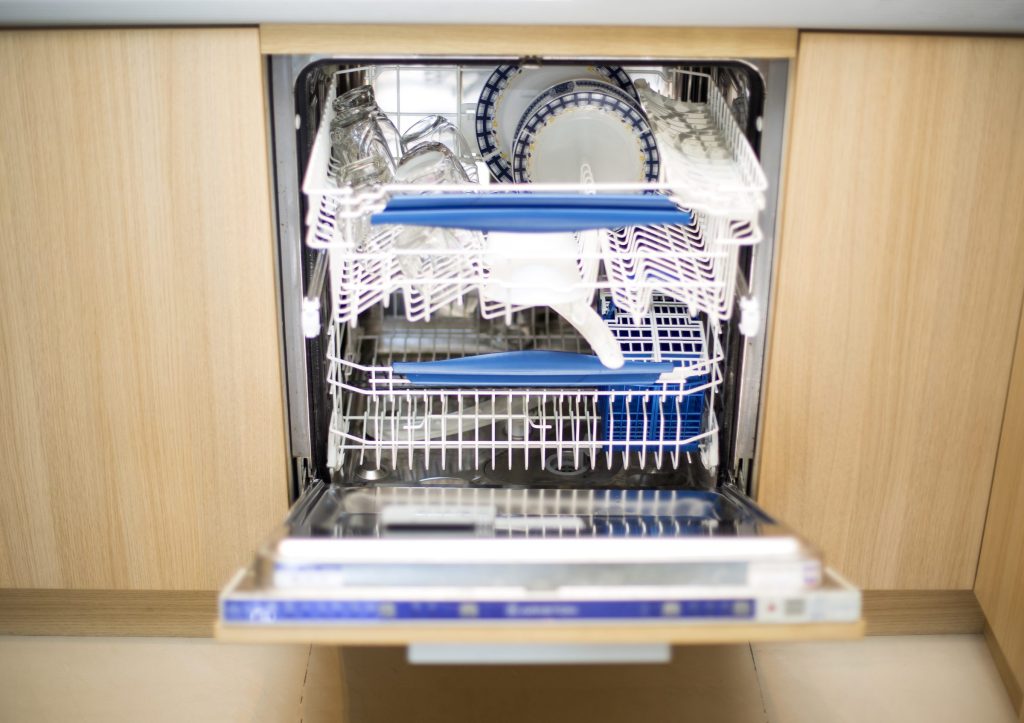
The appliance this name means in a kitchen, and the one that tells you the most before anybody arrives. A KitchenAid dishwasher with no display still reports its code — it flashes it on the Clean light, in two bursts, and those two numbers are a diagnosis you can read from across the room before anybody opens anything.
- The Clean light blinking a set number of times, over and over
- A cycle that finishes with water still standing in the tub
- Dishes coming out gritty, or coming out wet
-
from $95 Diagnostic visit
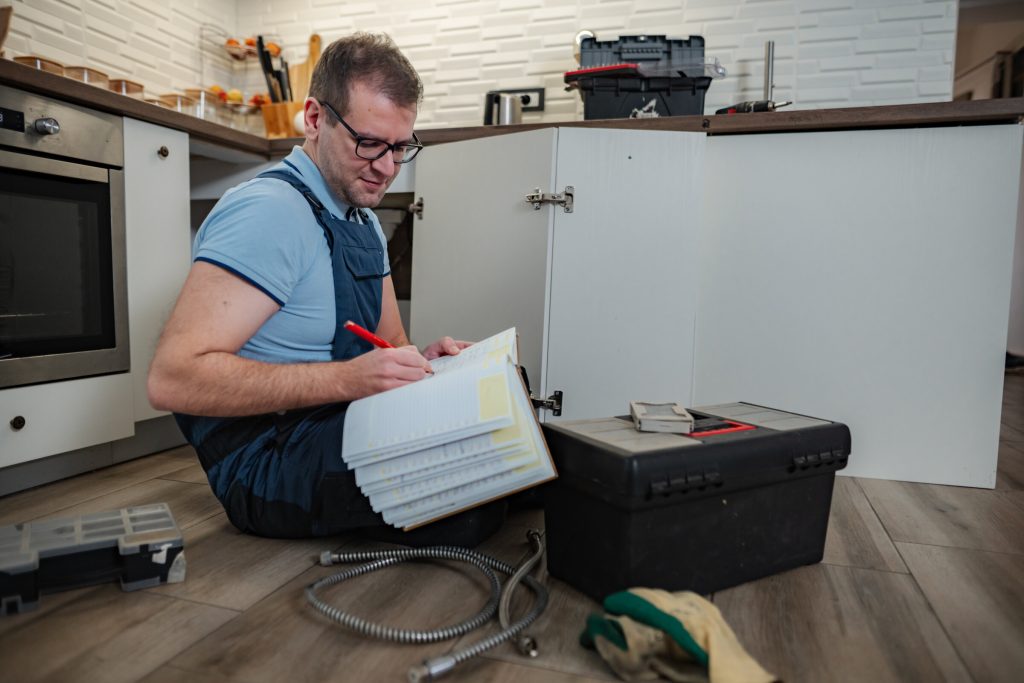
We read what the appliance is reporting — a code on a display, or the flashes on a dishwasher Clean light — then measure before saying anything about the repair. The fee is credited toward the work when you go ahead.
- The code read on site, including blink codes
- Measured rather than guessed
- Credited toward the repair
Questions people ask about this
Does a KitchenAid dishwasher have a reset button?
No dedicated one. What people mean by reset is one of three things: canceling the cycle with a press-and-hold on Cancel or Cancel/Drain, unlocking a panel that was in Control Lock, or power-cycling the control at the breaker. They do different jobs and reaching for the wrong one is why so many resets appear to fail.
How do I reset my KitchenAid dishwasher control panel?
First check it is not simply locked — hold the Control Lock pad for about three seconds and see whether the other buttons come back. If the panel is genuinely unresponsive, cut the breaker for five full minutes and restore it. On an integrated machine, remember you cannot see whether anything is lit without opening the door, which makes a locked machine look completely dead from the front.
How do I reset a KitchenAid dishwasher after a power outage?
Usually just hold Cancel or Cancel/Drain to abandon whatever cycle was interrupted, let it drain, and start again. A control interrupted mid-write can be left in a state it cannot get out of on its own, and that is what a five-minute breaker cycle is for. Neither step fixes anything the machine is genuinely reporting.
How do I reset a KitchenAid dishwasher showing E4 F8?
People usually see it written the other way round: F8 E4, first burst eight, second burst four. It is the overfill and water-level condition, and a stuck or obstructed float assembly is the common cause. Cancel and drain will clear the display, but if the float is stuck the code comes back on the next fill, which is exactly the information the reset is there to give you.
Will resetting lose my settings?
No. Options like heated dry, delay and the rinse aid setting are stored and survive it. What clears is the current cycle, whatever condition was being reported, and how far through the machine had got — which is why the code goes on the paper before anything else happens.
Troubleshooting
More guides like this one
-

KitchenAid Error Code F2E1, and What the Two Halves of Any Code Mean
The F names the system that reported and the E names what it reported. Once you know that, an unfamiliar code stops being a mystery string and becomes a subsystem plus a symptom — which is most of the way to an answer.
Read more -
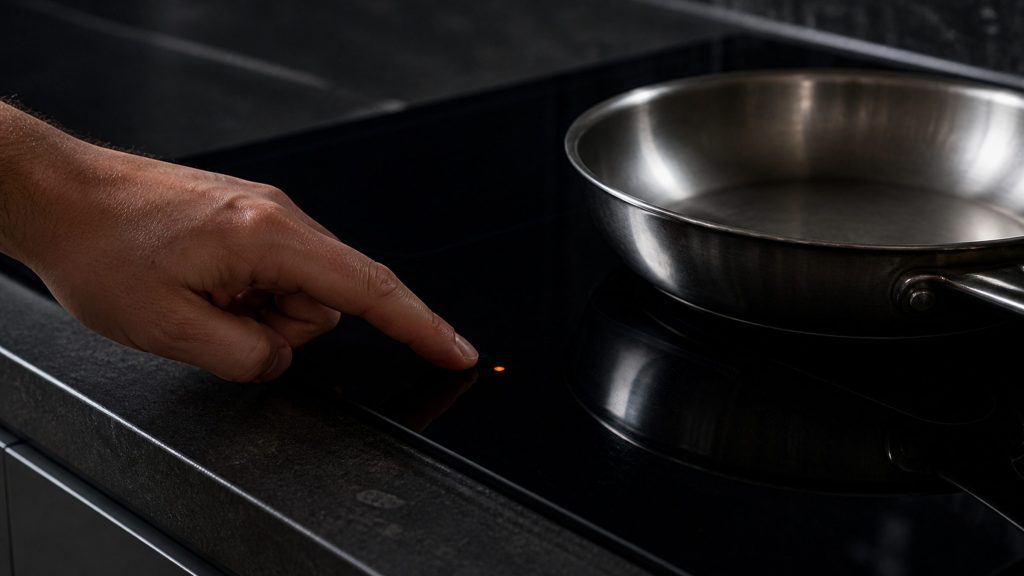
How to Unlock KitchenAid Oven Control Lock — and Every Other Panel It Locks
Nothing responds and nothing is broken. Control lock lives on almost every appliance this maker builds, it is switched on by holding one key, and it is switched on by accident constantly.
Read more -
How to Reset KitchenAid Refrigerator Controls Without Making Things Worse
Four different problems send people looking for the same reset, and only one of the four procedures helps a cabinet that is genuinely warm. Here is how to tell which one you are actually looking for.
Read more
Tell us the model number and what it is doing.
This article is based on:
- Official manufacturer documentation
- Internal repair procedures
- Technician repair history
- Company quality standards