Troubleshooting
How to Reset KitchenAid Refrigerator Controls Without Making Things Worse
There is no single reset on a KitchenAid refrigerator, because four different problems send people looking for one. To clear PO after an outage, press and hold the confirm key the panel is blinking at until the alert stops. To clear the filter light, hold the filter or light key for about three seconds after the new cartridge is in — the light is a counter, not a sensor, so it will not clear itself. To restart a panel that has stopped responding, check the control lock first, then cut the breaker for a couple of minutes. To power-cycle a cabinet that is not cooling, do the same breaker cycle — but understand that this one is a delay rather than a repair, because a cabinet that stops cooling again within a day is reporting something real.
The full guide
How to Reset KitchenAid Refrigerator Controls: Four Jobs, Four Procedures
There is no reset button on the back of a KitchenAid refrigerator, and there is no single reset. What there is instead is four different problems that all send people typing the same sentence into a search box.
You want a different procedure depending on which of these you have:
- PO is on the display after the power was off.
- The filter light is on and you have already put a new filter in.
- The control panel has stopped responding to anything you press.
- The cabinet is not cooling, and you are hoping a restart fixes it.
Only the last one is a genuine failure, and it is the one where a reset helps least. Work out which line above is yours before you touch anything.
Reset 1: clearing PO after the power has been off
PO stands for Power Outage. It is not an error and nothing is broken.
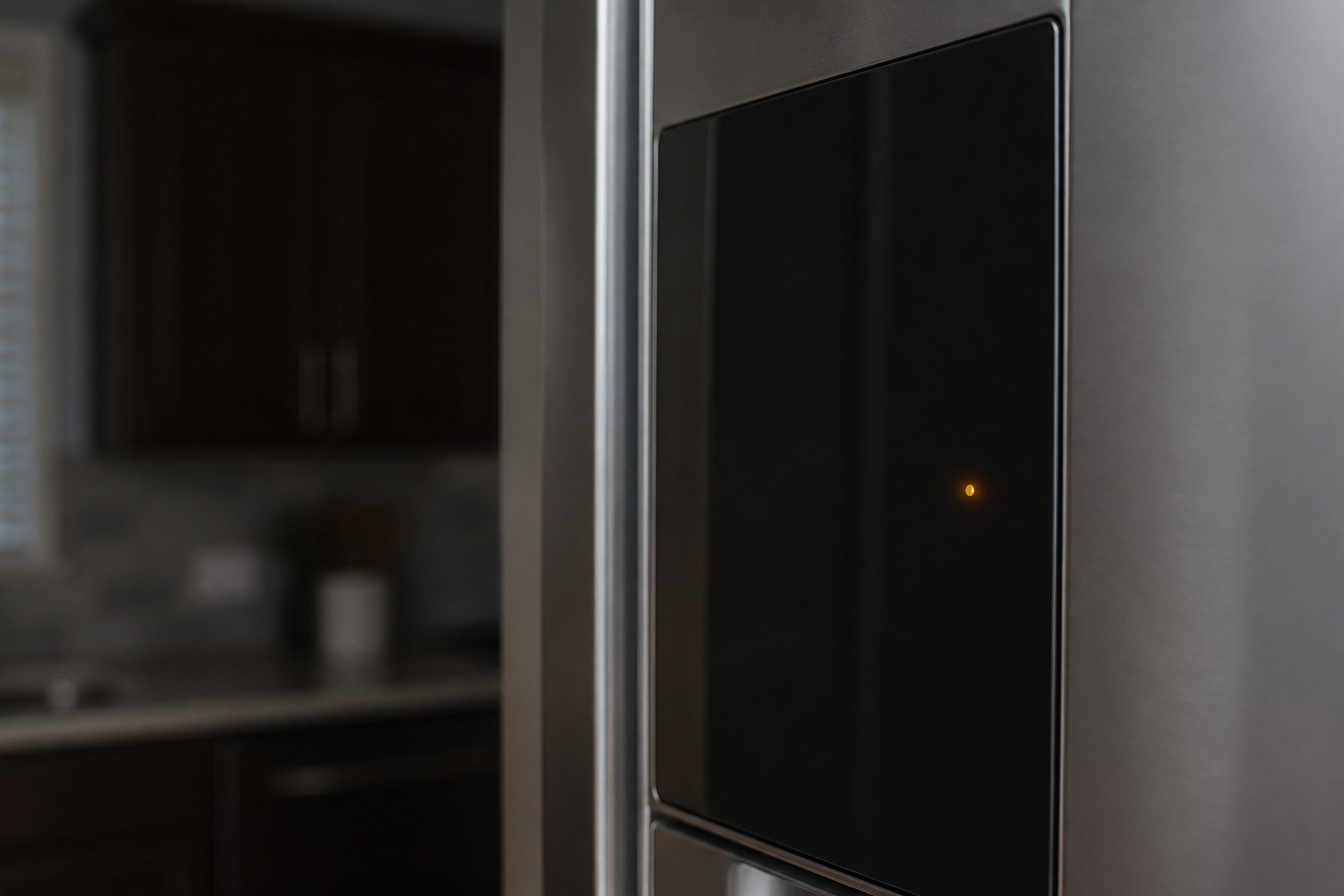
What the cabinet is telling you is specific and worth knowing exactly: the power was off long enough that the freezer compartment climbed to 18°F (-8°C) or higher. The panel shows PO, an alert tone sounds a few times, and a Confirm indicator blinks until somebody acknowledges it. On the cabinets with a measured-fill dispenser, the key you hold is the one sitting under that Confirm label.
Press and hold that key until the tone and the PO both stop. That is the whole procedure.
Do not cut the breaker to make PO go away. Power-cycling a cabinet that has just come back from an outage throws away the one piece of food-safety information you were given for free. The notice exists because a freezer that reached 18°F may have partially thawed, and that is a decision about the food rather than about the appliance.
In South Florida this is a seasonal event rather than a rare one. Several cabinets on one street will all show it on the same morning.
Reset 2: clearing the water filter light
This one catches people out because the light behaves as if it is measuring something. It is not.
The filter indicator is a counter. It runs on gallons dispensed and elapsed time, and it has no idea whether there is a filter in the housing at all, let alone a new one. Fitting a fresh cartridge and waiting for the light to notice is waiting for something that will never happen.
The procedure:
- Seat the new cartridge. Most of them push in and turn — a quarter to a half turn, until it stops with a click you can feel through the housing.
- Hold the filter key for about three seconds, or whichever key the panel marks for it, until the indicator changes color or goes out.
- Run two to four quarts through the dispenser. That clears the air the change let in, which is what causes the sputtering and the cloudy first glass.
While you are buying one: this maker sells its cartridges as KAD1 through KAD6, and the identical cartridges are sold under the everydrop name as EDR1 through EDR6. Same part, two labels, one confusing aisle. The number is printed on the old filter, and the numbers are not interchangeable with each other.
Reset 3: restarting a control panel that has stopped responding
Before you cut any power: check the control lock. On these appliances the panel can be locked from a long press on one key, it happens by accident constantly, and a locked panel is indistinguishable from a dead one unless you know to look for the small padlock indicator. This is the single most common reason a refrigerator panel appears to have died, and it costs nothing to rule out.
If the lock is off and the panel still ignores you:
- Switch the refrigerator off at the breaker, not by pulling the plug if the plug is behind a built-in cabinet you would have to unload the appliance to reach.
- Leave it off for two full minutes. A quick flick often changes nothing, because the control holds enough charge to keep its state alive briefly.
- Restore power and try the panel again.
A panel that comes back is a control that was confused. A panel that is still unresponsive after a genuine power cycle is the touch panel or the board underneath it, and those are two different parts with two different prices.
Reset 4: power-cycling a cabinet that is not cooling — and why this is a delay
Here is the honest part of this page.
When a refrigerator is going warm and somebody tells you to unplug it for ten minutes, what they are describing is not a repair. It is a test, and quite often it is a way of postponing a phone call by a day.
There are two things a power cycle genuinely does. It clears a control that came back from a brownout in a state it cannot get out of, which is a real and fixable event. And it interrupts whatever the defrost timer was doing, which occasionally lets a cabinet with a partly iced coil breathe again for a few hours.
Neither of those is a cure for the second case. If ice on the evaporator coil was blocking the airflow, restoring power does not remove the ice, and the cabinet will go warm again within days. That is not the reset failing. That is the reset telling you the answer.
So do it properly and read the result:
- Put a thermometer on a middle shelf in the fresh-food section.
- Cut the breaker for two minutes, restore it.
- Read the thermometer at four hours and again at twelve.
A cabinet that reaches and holds normal temperature and stays there for a week was confused. A cabinet that cools and then drifts warm again over the following days has a real condition — most often the defrost system or the evaporator fan, both of which are among the cheaper refrigerator repairs, and neither of which is the sealed system people fear.
The sentence that narrows this faster than anything else: is the freezer still cold while the refrigerator side is warm? In these cabinets the freezer does the cooling and air is moved across into the fresh-food side, so a cold freezer with a warm refrigerator points at airflow — a damper, a fan, or an iced coil. It is very rarely refrigerant.
What no reset on this cabinet will reach
Three things survive every procedure on this page, and trying to clear them this way is where an afternoon goes.
Your temperature set points. They are stored deliberately and a power cycle does not touch them. That is a feature.
Moisture on the strip between the two French doors. The maker itself calls that normal in humid weather, and names switching Energy Saver off as the remedy. It is a setting, not a failure, and no reset changes it.
A door that is not sealing. The control cannot compensate for warm air coming in, so the cabinet just runs longer and frosts faster. It is mechanical and it will still be there afterward.
What to have ready when you call
The model number from the sticker on the upper left interior wall, what the display is showing right now, which compartment is wrong, and what the thermometer read at four hours and twelve. That last pair turns a vague call into a specific one, and it is free.
Independent KitchenAid appliance repair across Miami-Dade, Broward and Palm Beach. We are an independent repair company and are not affiliated with, authorized by or endorsed by any manufacturer.
If it turns out to be a repair
What this leads to, and what it costs
Every job on this site is priced the same way: an on-site diagnostic first, the figure agreed in writing before anybody starts.
-
French door · Side-by-side · Bottom mount · Built-in · Counter-depth · 30"–48" Refrigerators
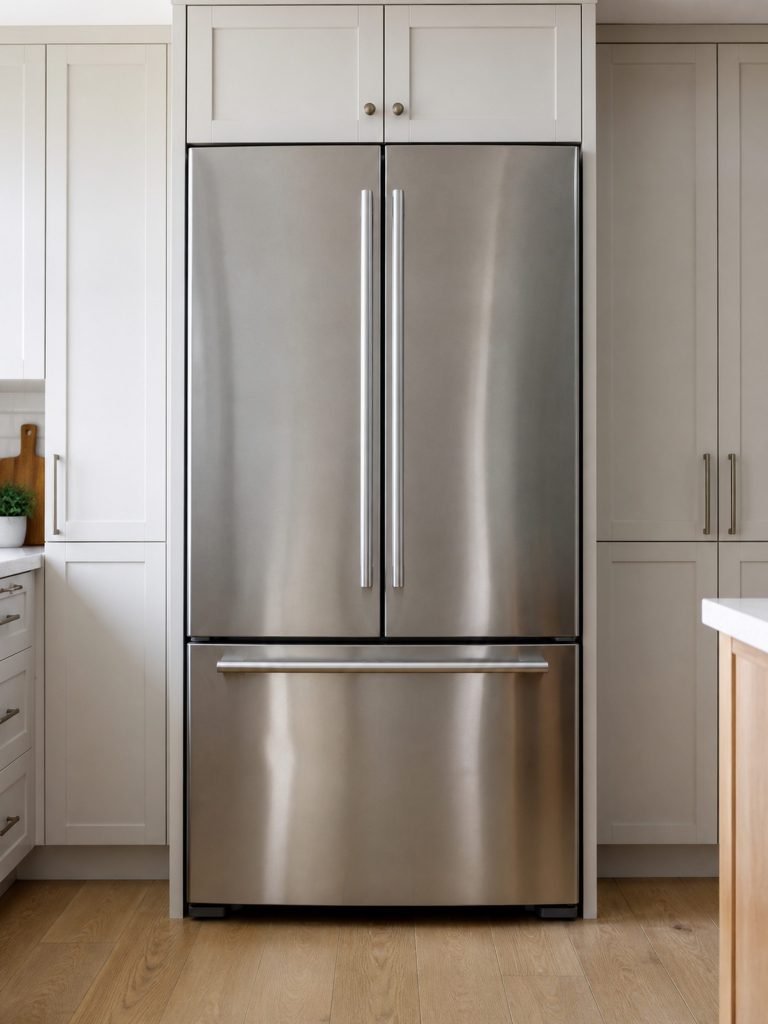
The largest part of this maker's line and the largest part of our phone. French door and side-by-side, freestanding and built into cabinetry, counter-depth and full depth — and one code that South Florida sees more than anywhere else, because it is the one a cabinet shows after the power has been off.
- PO flashing on the display after an outage
- The refrigerator warm while the freezer is still cold
- Water on the floor, or ice on the freezer floor

Questions people ask about this
How do I reset my KitchenAid refrigerator after replacing the water filter?
Seat the new cartridge fully — most of them turn a quarter to a half turn and stop with a click you can feel — then hold the filter key, or the key the panel marks for it, for about three seconds until the indicator changes color or goes out. Run about two to four quarts through the dispenser afterward to clear the air, which is what causes the spitting and the cloudy first glass.
How do I reset a KitchenAid fridge after a power outage?
Usually you do not have to do anything except acknowledge PO on the display. The cabinet restarts its cooling on its own within minutes of the power returning. What it will not do is decide for you whether the food is still good — that is what the PO notice exists to prompt, and it is worth reading rather than dismissing.
How do I reset the control panel when it will not respond?
Check the control lock before anything else, because a locked panel and a dead panel look identical from the front and the lock gets switched on by accident constantly. If the lock is off, switch the cabinet off at the breaker for two full minutes and restore it. If the panel is still unresponsive after that, it is the touch panel or the control board rather than a confused state.
How do I reset the temperature control?
There is no separate temperature reset. The set points are stored settings, so a power cycle does not clear them and does not need to — you change them at the panel. If the panel accepts a new set point and the compartment ignores it, that is not a settings problem and no reset will move it.
How do I reset the ice maker in my KitchenAid refrigerator?
That is its own procedure and it is not the same as resetting the cabinet. The shut-off arm or switch, the fill tube, and the module each have a different answer, and cutting power to the whole refrigerator is rarely the one that helps. We have a separate guide for the ice maker, including the undercounter machines.
Troubleshooting
More guides like this one
-

KitchenAid Error Code F2E1, and What the Two Halves of Any Code Mean
The F names the system that reported and the E names what it reported. Once you know that, an unfamiliar code stops being a mystery string and becomes a subsystem plus a symptom — which is most of the way to an answer.
Read more -
How to Unlock KitchenAid Oven Control Lock — and Every Other Panel It Locks
Nothing responds and nothing is broken. Control lock lives on almost every appliance this maker builds, it is switched on by holding one key, and it is switched on by accident constantly.
Read more -
How to Reset KitchenAid Ice Maker Modules and Undercounter Machines
The reset that matters most on this make is the one after a cleaning cycle, because a machine that has been cleaned and then sits there doing nothing is our commonest ice call — and it is almost never a failure.
Read more
Tell us the model number and what it is doing.
This article is based on:
- Official manufacturer documentation
- Internal repair procedures
- Technician repair history
- Company quality standards