Troubleshooting
How to Unlock KitchenAid Oven Control Lock — and Every Other Panel It Locks
Control lock is a feature, not a failure: it disables the panel so buttons cannot be pressed by accident, and on this maker's appliances it is turned on and off by holding a single key for about three seconds. On an oven or range the display shows LOC, Lock or Locked while it is active. The key to hold is the one marked with a padlock or labeled Control Lock — most often a number key on an oven, the lock icon on a cooktop, the Start or Cancel key on a dishwasher, and a Tools or Options key on a microwave. Hold it until the indicator clears and the panel beeps. If the display shows nothing at all, or the lock indicator never appears, you are looking at something else and locking is not your problem.
The full guide
How to Unlock KitchenAid Oven Control Lock, and Every Other Panel It Locks
This page exists because of a specific phone call we take most weeks. The oven is dead. Nothing responds. The panel lights up, the display is on, everything looks normal, and not one key does anything.
We usually resolve it before the call ends, and nobody comes out.
Control lock is a feature. It disables the panel deliberately so that keys cannot be pressed by accident — by a child, by a cat on a cooktop, by a dishcloth going across a touch surface. It exists on almost every appliance this maker builds. It is switched on by holding one key. And it is switched on by accident constantly, because holding one key is exactly what somebody does while wiping a panel down.
Telling a locked panel from a broken one
Thirty seconds of looking, before you consider anything else.
On an oven or range, the maker's own display strings are the giveaway. LOC, Lock or Locked on the display means the control lock is on. That is documented, it is not an error code, and no amount of resetting is relevant to it.
On everything else, look for a small padlock symbol somewhere on the panel — usually near the key that toggles it, sometimes in a corner of the display.
The difference that matters: a locked panel is lit and unresponsive. A dead panel is dark. If your display is showing the time, showing a cycle, showing anything at all, and it is still ignoring you, the lock is the first thing to rule out and it is free.
The key to hold, appliance by appliance
There is no single key across the whole line, because the panels are different shapes. What is consistent is that it is a hold, not a tap, and it is about three seconds.
Oven and range. Most often one of the number keys, with the lock function printed on or beside it. Hold it until LOC clears from the display.
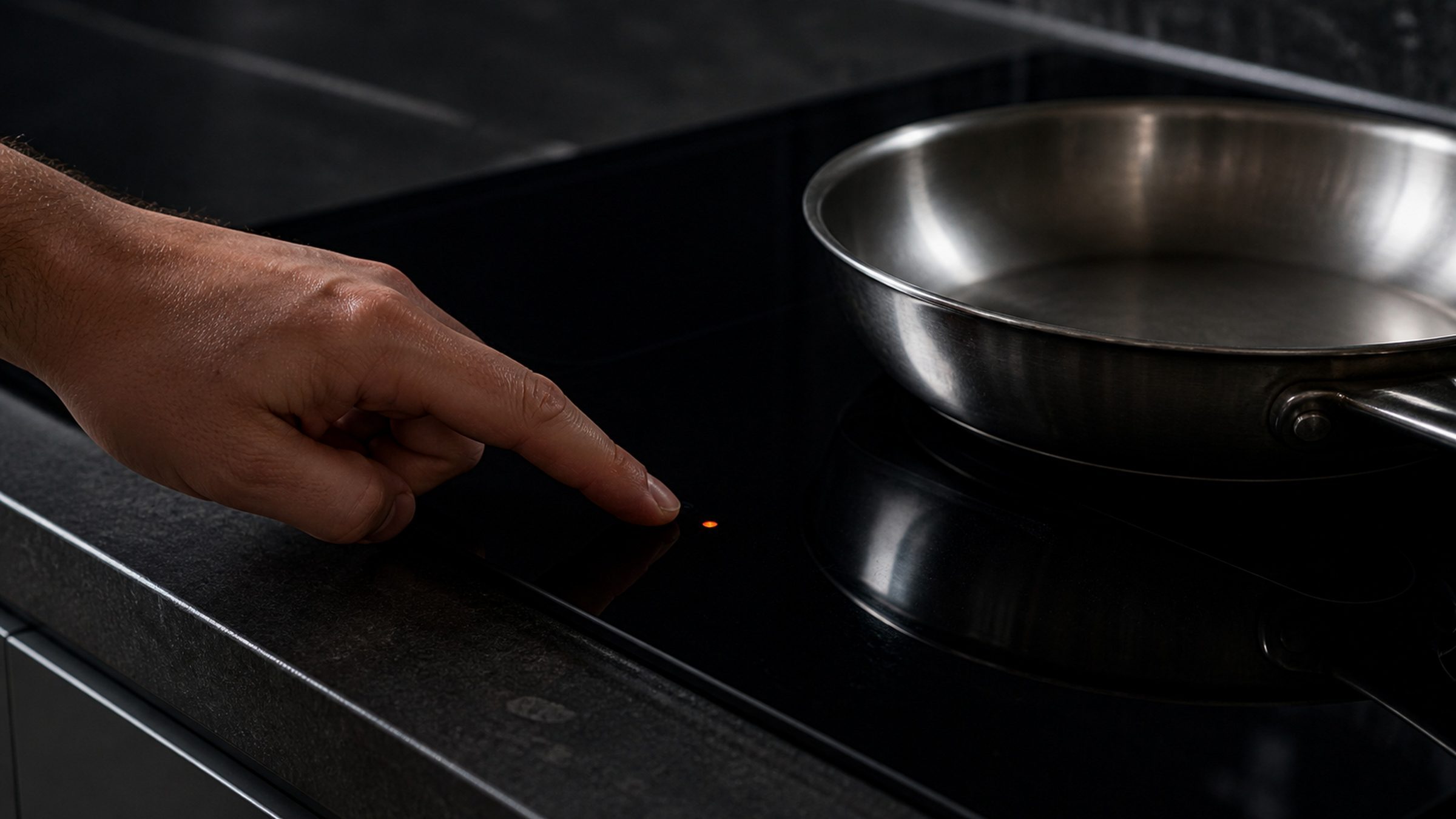
Cooktop, including induction. Usually a dedicated key with a padlock printed on it. Some cooktops want all elements switched off before they will accept the unlock, which is why people search for the phrase about everything being off — that message is the appliance telling you what it wants, not reporting a problem.
Dishwasher. Commonly the Start or Cancel key, held. On an integrated-control machine the keys are along the top edge of the door, so you have to open the door to see the indicator at all. A locked dishwasher will still finish a cycle it has already begun; it just will not accept a new one.
Microwave. A Tools, Options or Settings key, or the zero key, held for three to five seconds.
Refrigerator. The panel lock also locks the dispenser, which is why a dispenser that suddenly does nothing is so often this. On some cabinets the dispenser has a separate lock key of its own, so look for both.
The mistake almost everybody makes
They do not hold the key long enough.
A short press does nothing on a locked panel — deliberately, because the whole point of the feature is that a brief accidental contact should not undo it. Two seconds feels like a long time when nothing is happening. Count to five, watching the display, and do not let go early. Some panels count down on screen while you hold, which tells you it is working.
If the first attempt does nothing, the second one is often the same person letting go a moment too soon again.
How it gets switched on when nobody switched it on
This surprises people, so it is worth spelling out.
Wiping the panel with a damp cloth on a touch-control appliance is functionally identical to holding a key. So is leaning on a range front while reaching for something on the back burner. So is a child pressing and holding one key because pressing keys is interesting.
None of that is unusual and none of it is anybody doing something wrong. It is simply the cost of a flat, sensitive control surface, and it is why we treat control lock as the first check rather than an exotic one.
When the unlock does not work
Two more steps and then it stops being a setting.
Cycle the power. Switch the appliance off at the breaker for two minutes and restore it. A control that came back from a brownout holding a stuck lock state clears with this, and it is quick.
Watch what happens after it clears. A lock that goes out and stays out was a setting. A lock that clears and then returns on its own a few minutes later is not a setting at all — it is the touch panel or the control board registering a key press that nobody is making, which is a real repair. Moisture behind a membrane, a delaminating touch panel, and a board reading a shorted key all produce exactly this.
That distinction is the useful one, and you can make it yourself in ten minutes.
The lock this page is not about
There is a second thing on these appliances that people call a lock, and it has nothing to do with the control lock.
The self-clean door latch. A high-heat self-clean cycle takes the cavity somewhere unsafe to open, so the oven physically latches the door and holds it until the cavity has cooled. If the cycle was interrupted, or if the oven is still hot, the door stays locked and no key press will release it. Let it cool completely — hours, not minutes. A door still latched on a stone-cold oven is the latch mechanism or the board driving it, and that is a call rather than something to lever.
The other one worth knowing: if your oven uses the low-temperature steam self-clean rather than a high-heat cycle, there is no latch risk at all, because the cavity never gets hot enough to need one. Water goes in the cavity floor and the cycle runs warm. It is also true that a warm cycle will not shift what a high-heat cycle shifts, which is the trade.
Two more display strings people mistake for locking
SAB, Sab, 5AB or 5A6 means Sabbath Mode is on, which disables most of the panel on purpose and looks a great deal like a lock. It is cleared in the settings menu rather than by holding a key.
A blank clock is the hidden time display feature on some ovens, not a control that has died.
Between the control lock, Sabbath Mode and the hidden clock, a startling proportion of "the panel is dead" calls end with nothing being wrong at all. It is worth thirty seconds of looking before it becomes an appointment.
Independent KitchenAid appliance repair across Miami-Dade, Broward and Palm Beach. We are an independent repair company and are not affiliated with, authorized by or endorsed by any manufacturer.
If it turns out to be a repair
What this leads to, and what it costs
Every job on this site is priced the same way: an on-site diagnostic first, the figure agreed in writing before anybody starts.
-
Single · Double · Combination microwave-oven · 24", 27", 30" · True Convection · Self-clean Wall ovens
Built into a tall housing, surrounded by cabinetry, and heavy. A wall oven is the appliance where the access is a real part of the job — and the combination units, with a microwave above the oven, are two appliances in one opening that report separately and fail separately.
- An F code and a letter E on the display, with the oven refusing to start
- An oven that heats but never reaches the temperature it is set to
- A door locked after a self-clean, hours after it cooled
-
Gas · Gas-on-glass · Electric radiant · Induction · Downdraft · 15", 30", 36" Cooktops
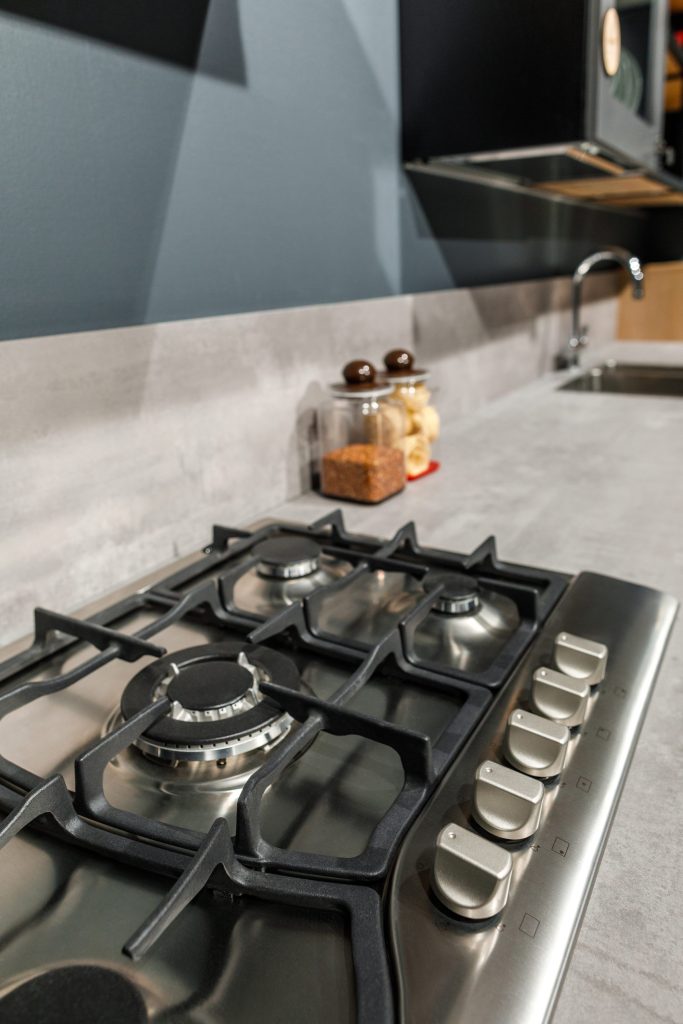
Four different appliances under one word. Gas with sealed burners, gas on a glass surface, electric radiant under ceramic, and induction — plus the downdraft versions of two of them, with a blower built into the counter. What has gone wrong is usually obvious once you know which one you are standing in front of.
- One zone or one burner dead while the rest work
- A surface that beeps or shuts a zone down on its own
- A cracked or chipped glass top
-
Integrated control · Front control · Third rack · ProDry · 24" · 39–44 dBA Dishwashers
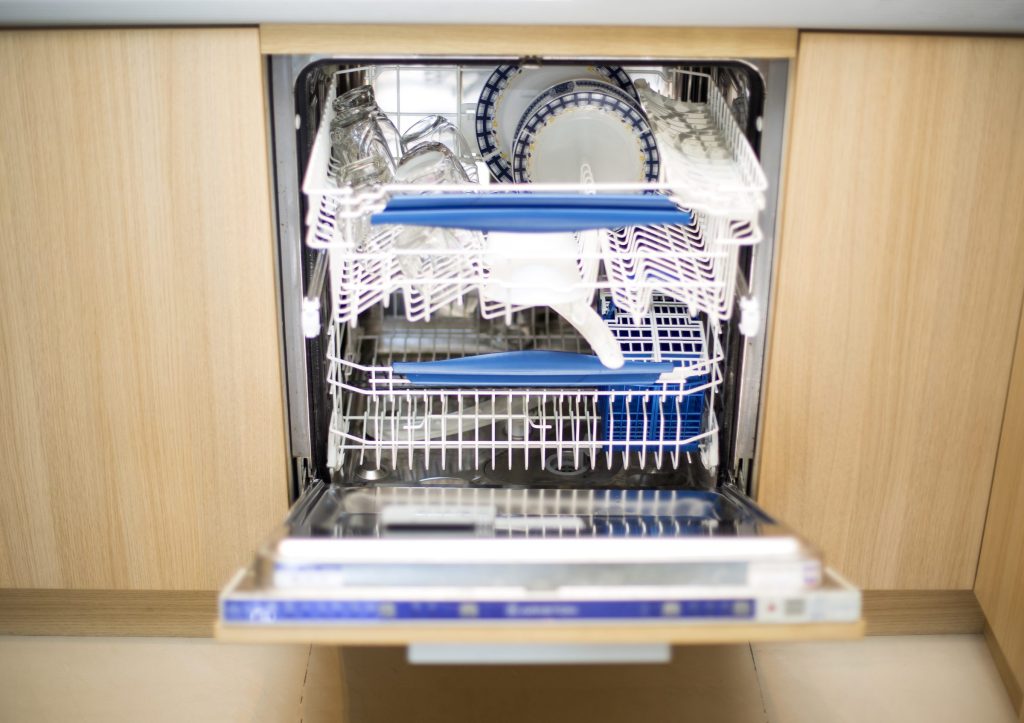
The appliance this name means in a kitchen, and the one that tells you the most before anybody arrives. A KitchenAid dishwasher with no display still reports its code — it flashes it on the Clean light, in two bursts, and those two numbers are a diagnosis you can read from across the room before anybody opens anything.
- The Clean light blinking a set number of times, over and over
- A cycle that finishes with water still standing in the tub
- Dishes coming out gritty, or coming out wet
Questions people ask about this
Why does my KitchenAid dishwasher say control lock?
Because the lock has been switched on, usually by somebody holding a key down while wiping the door front. The dishwasher will still finish a cycle it has already started, but it will not accept a new one. Hold the key that carries the lock symbol — commonly Start or Cancel — for about three seconds and the indicator goes out.
How do I turn off control lock on a KitchenAid stove top?
On a cooktop the lock is normally its own key with a padlock printed on it, and it is held rather than tapped. Hold it for about three seconds until the indicator clears. Some cooktops also lock themselves automatically after being left on standby, which is a setting rather than a malfunction, and some display a message about all elements being off before they will accept the unlock.
How do I unlock my KitchenAid microwave?
Almost every microwave lock on this make is a long press on a Tools, Options or Settings key, or on the zero key, held for three to five seconds. If the display is showing a lock symbol, that is what you are dealing with. If the display is blank and the door light does not come on, that is a supply problem instead.
How do I unlock the water dispenser on my KitchenAid refrigerator?
The dispenser lock is part of the same control lock on the refrigerator panel, so unlocking the panel unlocks the dispenser. Hold the key marked with the padlock, or the one the panel names for lock, for about three seconds. On some cabinets the dispenser lock and the panel lock are separate keys, so check for both.
My KitchenAid control lock will not turn off. Now what?
Two things to try. Hold the key longer than feels reasonable — five seconds, watching the display, because a short press does nothing at all on some panels. If that does not clear it, cut the breaker for two minutes and try once more on a freshly started control. A lock that returns on its own within minutes of clearing is the touch panel or the board reading a key press that is not happening, and that is a repair rather than a setting.
Troubleshooting
More guides like this one
-
KitchenAid Error Code F2E1, and What the Two Halves of Any Code Mean
The F names the system that reported and the E names what it reported. Once you know that, an unfamiliar code stops being a mystery string and becomes a subsystem plus a symptom — which is most of the way to an answer.
Read more -
How to Reset KitchenAid Refrigerator Controls Without Making Things Worse
Four different problems send people looking for the same reset, and only one of the four procedures helps a cabinet that is genuinely warm. Here is how to tell which one you are actually looking for.
Read more -
How to Reset KitchenAid Ice Maker Modules and Undercounter Machines
The reset that matters most on this make is the one after a cleaning cycle, because a machine that has been cleaned and then sits there doing nothing is our commonest ice call — and it is almost never a failure.
Read more
Tell us the model number and what it is doing.
This article is based on:
- Official manufacturer documentation
- Internal repair procedures
- Technician repair history
- Company quality standards