Troubleshooting
How to Reset KitchenAid Oven After Power Outage: Set the Clock First
To reset a KitchenAid oven after a power outage, set the time of day before you decide anything is broken. This maker puts PF on the display after a power failure, and a flashing time of day means the same thing — and several timed functions will not run at all until the clock is set, so an oven can look completely dead and be perfectly well. Press the clock or timer key, enter the time, and confirm. If the panel still ignores you, check that Control Lock is off, then switch the oven off at the breaker for one to two minutes and restore it — the maker documents a breaker cycle as the clearing procedure for at least one of its control codes. Anything that survives that is real rather than storm leftovers.
The full guide
How to Reset KitchenAid Oven After Power Outage: Set the Clock First
The morning after a storm takes the power out, the calls we take about ovens fall into a pattern. The oven is dead. Nothing works. The panel lights up but it will not accept a temperature. Something was destroyed overnight.
Most of the time nothing was destroyed. The oven is waiting to be told what time it is.
This is the sentence almost nobody publishes and it is the useful one: on these appliances several timed functions will not run until the time of day has been set. Not the timer, not a delayed start, and on many models not a bake you try to start while the clock is still asking for attention. An oven in that state behaves exactly like an oven with a dead control board, and it is fine.
So the first thing you do after the power comes back is set the clock. It takes fifteen seconds and it resolves a majority of these calls before they become calls.
PF, and the flashing time of day
Two things turn up on the display after an outage and they mean the same thing.
PF is this maker's own display string for a power failure having occurred. You may also see it written with an identifier after it, as PF id=27 or PF id=30. It is a notice, not damage.
A flashing time of day is the same message on an oven that has no room to spell it out. The clock is blinking because the control lost its reference and wants a new one.
Either way the answer is the same: press the clock key, enter the time, confirm it. PF clears and the oven goes back to normal.
The display strings people mistake for a broken oven
Before you reset anything, look at what the panel is actually showing. Several of these are features rather than failures, and each of them makes an oven look dead in a different way.
LOC,LockorLocked— Control Lock is on. The panel is deliberately ignoring you. It is cleared by holding one key, and it gets switched on by accident more often than any other setting on the appliance.SAB,Sab,5ABor5A6— Sabbath Mode is on, which disables most of the panel on purpose. A guest, a cleaner or a child can find it.C— the display is set to Celsius. Your 175 is a 350.- A blank clock — the hidden time display feature, which some households turn on and then forget.
F9orF9 E0— the maker documents this one as an electrical outlet miswiring or power-supply problem. Worth knowing if anything has been rewired, or if the appliance has been running from a generator.
None of the first four needs a technician and none of them is caused by the storm. They just get noticed after one, because that is when people look at the panel closely.
The breaker cycle, and how long it actually needs
If the clock is set, the lock is off, and the panel still will not take a temperature, then it is time for the actual reset.
Switch the oven off at the breaker. Not at the oven's own power key — that puts the appliance in standby and leaves the control energized, which is precisely why pressing it appears to accomplish nothing. On a built-in wall oven the breaker is frequently the only way to isolate it at all.
One to two full minutes. This maker documents a one-minute breaker cycle as the clearing procedure for at least one of its own control codes, so this is not folklore. Give it two if you are unsure; nothing is harmed by the extra minute, and a quick flick of the switch often changes nothing because the control holds enough residual charge to keep its state.
Restore power. If the clock asks to be set again, the reset genuinely happened — that is your confirmation that you switched off the right thing. If the clock is still showing the correct time, you turned off something else.
Then prove it
Empty oven, 350°F, twenty minutes, with an oven thermometer on the middle rack if you own one.
If it preheats normally, holds temperature and the panel behaves, the control was confused and is now fine. That is the outcome most of the time and it costs nothing but twenty minutes.
If a code returns straight away, the reset has done the one job it can do for free: it has told you the condition is real. A code that survives a proper breaker cycle is worth looking up rather than resetting again.
The door that locked when the power went
This one gets its own paragraph because the answer is different from everything above.
A self-clean cycle takes the cavity somewhere that would be dangerous behind an open door, so the oven latches the door and holds it until things have cooled down. If the power went during that cycle, the latch may still be engaged.
Let it cool completely first — hours, not minutes. A door that releases on its own as the oven cools was never a problem, and levering at a latched door is how a door skin gets bent. A door that is still locked on a cold oven is the latch mechanism or the board driving it, and that is a same-day call.
Ranges, cooktops and the microwave above them
The clock rule applies to a gas range and an electric range exactly as it does to a wall oven, and the ignition on a gas range is electric — a gas range with no power does not light, which surprises people every hurricane season.
An induction cooktop has no clock to set, so its version of this is the control lock and the breaker cycle, in that order.
An over-the-range microwave almost always has a flashing clock of its own after an outage, and it usually will not run a timed program until you set it. Same fifteen seconds, same result.
When it is genuinely not the outage
Two situations where the storm is a coincidence rather than a cause.
A completely blank panel with the breaker on. That is a supply problem before it is a control problem — the breaker itself, or a switched spur inside a cabinet that somebody turned off during work in the kitchen.
A code that appears after the cut and stays through a proper breaker cycle. A supply event can be the last straw for a component that was already marginal, so this is worth reading as a real condition rather than as storm damage. It is also the point at which more resetting stops being useful.
Two things worth doing before the next one
Find your oven's breaker now, while the lights are on and nobody is in a hurry. In a tall built-in housing it is the only isolation point you have.
Photograph the display the moment anything appears on it. Two seconds, and it survives the reset that erases it. It turns a phone call about "some code" into a phone call about a specific condition with a specific answer.
Independent KitchenAid oven and range repair across Miami-Dade, Broward and Palm Beach. We are an independent repair company and are not affiliated with, authorized by or endorsed by any manufacturer.
If it turns out to be a repair
What this leads to, and what it costs
Every job on this site is priced the same way: an on-site diagnostic first, the figure agreed in writing before anybody starts.
-
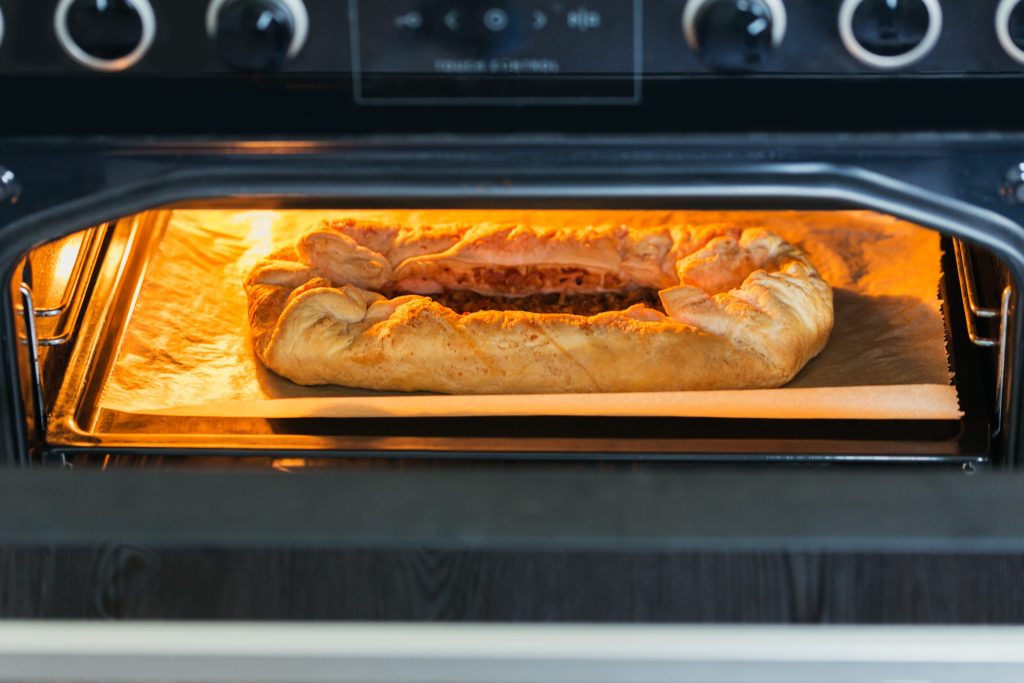
Single · Double · Combination microwave-oven · 24", 27", 30" · True Convection · Self-clean Wall ovens
Built into a tall housing, surrounded by cabinetry, and heavy. A wall oven is the appliance where the access is a real part of the job — and the combination units, with a microwave above the oven, are two appliances in one opening that report separately and fail separately.
- An F code and a letter E on the display, with the oven refusing to start
- An oven that heats but never reaches the temperature it is set to
- A door locked after a self-clean, hours after it cooled
-
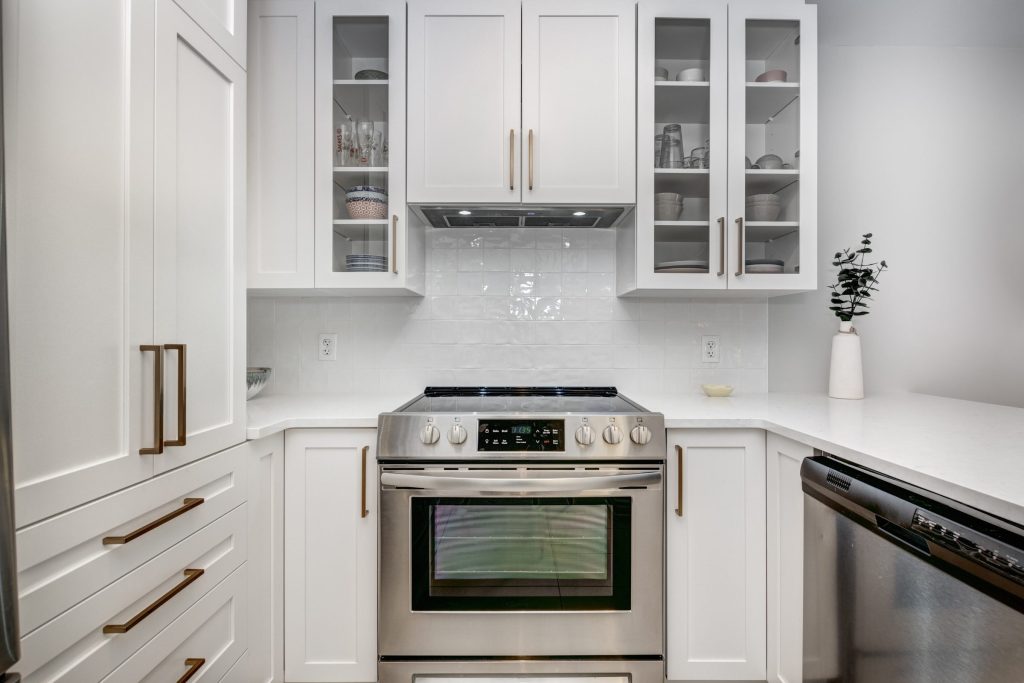
Commercial-Style · Slide-in · Freestanding · Double oven · Downdraft · Gas, electric, dual fuel, induction Ranges
One appliance and two systems that fail independently. More than half of this maker's current ranges are the Commercial-Style machines — heavy, knob-controlled, gas or dual fuel or induction — and the rest are slide-ins and freestanding ranges, including a downdraft model with the ventilation built into the appliance itself.
- The oven not reaching temperature, or running far out
- A surface burner that clicks and never lights
- A door still locked hours after a self-clean
Questions people ask about this
How do I reset a KitchenAid oven that will not respond at all after the power came back?
In this order: set the clock, check that Control Lock is off, then cut the breaker for one to two minutes. Those three cover almost every oven that looks dead after an outage. If the display is completely blank with the breaker on, that is a supply question rather than a control one — check the breaker itself and any switched spur inside the cabinet.
What do the symbols on my KitchenAid oven clock mean?
Several strings people read as damage are features. LOC, Lock or Locked means Control Lock is on. SAB, Sab, 5AB or 5A6 means Sabbath Mode is on, which deliberately disables most of the panel. A plain C means the display is set to Celsius. A blank clock can be the hidden time display feature. None of those is a failure and none of them needs a technician.
How do I reset the oven control board?
The only board reset available to you is the breaker cycle — off for one to two minutes, then back on. There is no separate button. If a code returns immediately after a genuine breaker cycle, the board is reporting a real condition rather than holding a stale one, and repeatedly cycling it will not change that.
The oven door locked when the power went out during self-clean.
Let it cool completely before doing anything, because the latch holds until the cavity is down to a safe temperature and that takes hours rather than minutes. A door that releases as it cools was never a problem. A door still locked on a stone-cold oven is the latch or the board driving it, and that is a call rather than something to lever.
How long will food last in the fridge or freezer during an outage?
Roughly two days in a full freezer that stays shut and about a day in a half-full one, and far less in a refrigerator — but decide with a thermometer rather than by feel. Your refrigerator will also tell you something the oven cannot: if it shows PO, the freezer got to 18°F or warmer while the power was off.
Troubleshooting
More guides like this one
-
KitchenAid Error Code F2E1, and What the Two Halves of Any Code Mean
The F names the system that reported and the E names what it reported. Once you know that, an unfamiliar code stops being a mystery string and becomes a subsystem plus a symptom — which is most of the way to an answer.
Read more -
How to Unlock KitchenAid Oven Control Lock — and Every Other Panel It Locks
Nothing responds and nothing is broken. Control lock lives on almost every appliance this maker builds, it is switched on by holding one key, and it is switched on by accident constantly.
Read more -
How to Reset KitchenAid Refrigerator Controls Without Making Things Worse
Four different problems send people looking for the same reset, and only one of the four procedures helps a cabinet that is genuinely warm. Here is how to tell which one you are actually looking for.
Read more
Tell us the model number and what it is doing.
This article is based on:
- Official manufacturer documentation
- Internal repair procedures
- Technician repair history
- Company quality standards