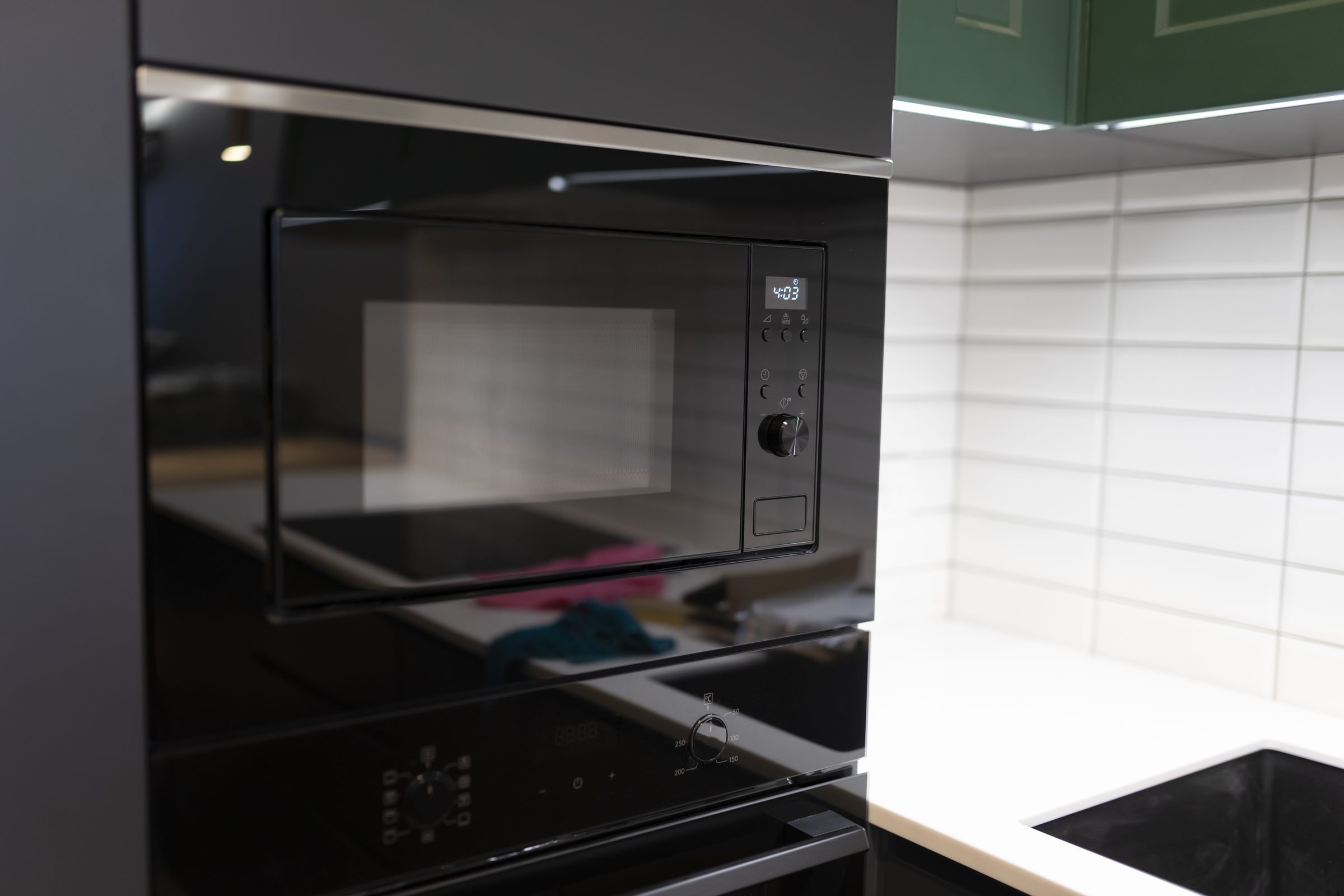
Error code
KitchenAid over-the-range microwave error code LOC
KitchenAid over-the-range microwave error code LOC: LOC or "L" or Padlock Icon in display: The Control Lock feature is ENABLED Depending on model: A) Press & Hold the Cancel key for 3 seconds. B) Press & Hold Start key for 5 seconds. or: Refer to the Owner's Manual for detailed control operation instructions. If you would like to download or view product literature for your appliance, please visit our Manuals and Literature page. What the code narrows down, what the maker publishes for it, and why the same number means something else on another KitchenAid appliance.
- From $95 diagnostic, credited to the repair
- 59 cities and neighborhoods covered
- OEM parts available on order
- In writing the price, before anything is opened
What we can confirm
Code LOC, from the manufacturer's own documentation
A code is only meaningful together with the machine showing it — the same digits mean different things on different equipment.
The code
LOC
LOC or "L" or Padlock Icon in display: The Control Lock feature is ENABLED Depending on model: A) Press & Hold the Cancel key for 3 seconds. B) Press & Hold Start key for 5 seconds. or: Refer to the Owner's Manual for detailed control operation instructions. If you would like to download or view product literature for your appliance, please visit our Manuals and Literature page
or call (305) 306-1328
What it narrows down to
LOC or "L" or Padlock Icon in display: The Control Lock feature is ENABLED Depen…
What you are probably seeing
Diagnostic
From $95, credited to the repair
What it looks like from the kitchen
The symptom this code usually arrives with
A code names the subsystem; the symptom is what sent you to look at the display in the first place. That page says what it usually turns out to be, cheapest cause first.
-
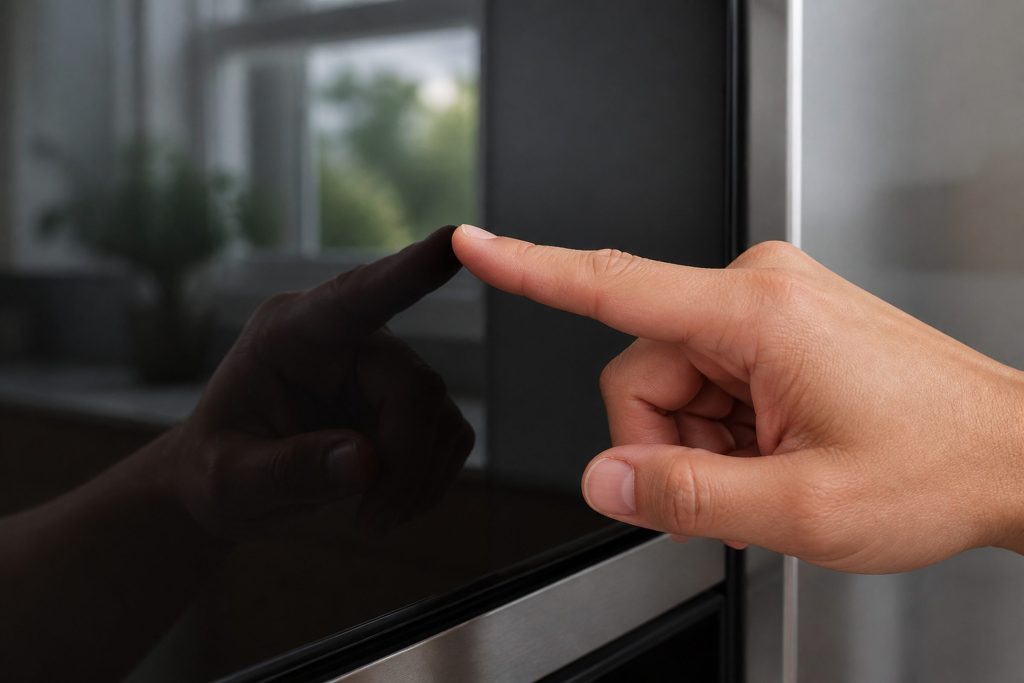
Lit up and ignoring you The control panel is not responding
A panel that lights up and does nothing, or one where some buttons work and others never do. Before this is a repair it is worth ruling out two settings and one very ordinary condition, because between them they explain a lot of these.
- Some buttons work, others do nothing
- The display is lit and every press is ignored
- A lock symbol you did not put there
On the same appliance
What else belongs to the microwaves
On this make a code belongs to the appliance rather than to a product line. These are the other conditions this machine can display, and the models that can show this one — a display often has more than one thing to say, and the model number decides what any of it costs to put right.
Other codes this appliance can display
Keypad (User Interface)
Appliance Control Board
Heater · Appliance Control Board
Thermal Sensor · Gas Sensor
Relay Control Board
The same digits mean different things on different equipment. Search the full code list
In more detail
About KitchenAid over-the-range microwave error code LOC
What KitchenAid publishes for LOC on a over-the-range microwave
LOC or "L" or Padlock Icon in display: The Control Lock feature is ENABLED Depending on model: A) Press & Hold the Cancel key for 3 seconds. B) Press & Hold Start key for 5 seconds. or: Refer to the Owner's Manual for detailed control operation instructions. If you would like to download or view product literature for your appliance, please visit our Manuals and Literature page. That sentence is KitchenAid's own, read off its published support page for this condition on a over-the-range microwave rather than worked out from the outside. Everything under it is ours, written from what this equipment does in Miami kitchens.
Worth knowing before you call
KitchenAid publishes no owner step against LOC on a over-the-range microwave, and neither do we. It is a condition for a technician rather than for the person standing in front of it, which is the honest reading of a code with nothing an owner can act on. Have the model number and the serial number off the plate ready and it becomes a short conversation rather than a long one.
Then what
One more thing worth saying plainly: this code is not this badge's alone. KitchenAid shares its control platform with the other names in the same group, and the same page for LOC sits at the same address under more than one of them. That is useful rather than awkward — it means the code names the subsystem and the model number names the machine, so the plate on the door frame is half of every answer here.
The full KitchenAid code archive holds the rest, searchable. Tell us the model number and exactly what the display is showing and we will tell you what it points at before anybody is booked. We repair this equipment across Miami-Dade, Broward and Palm Beach.
This article is based on:
- Official manufacturer documentation
- Internal repair procedures
- Technician repair history
- Company quality standards