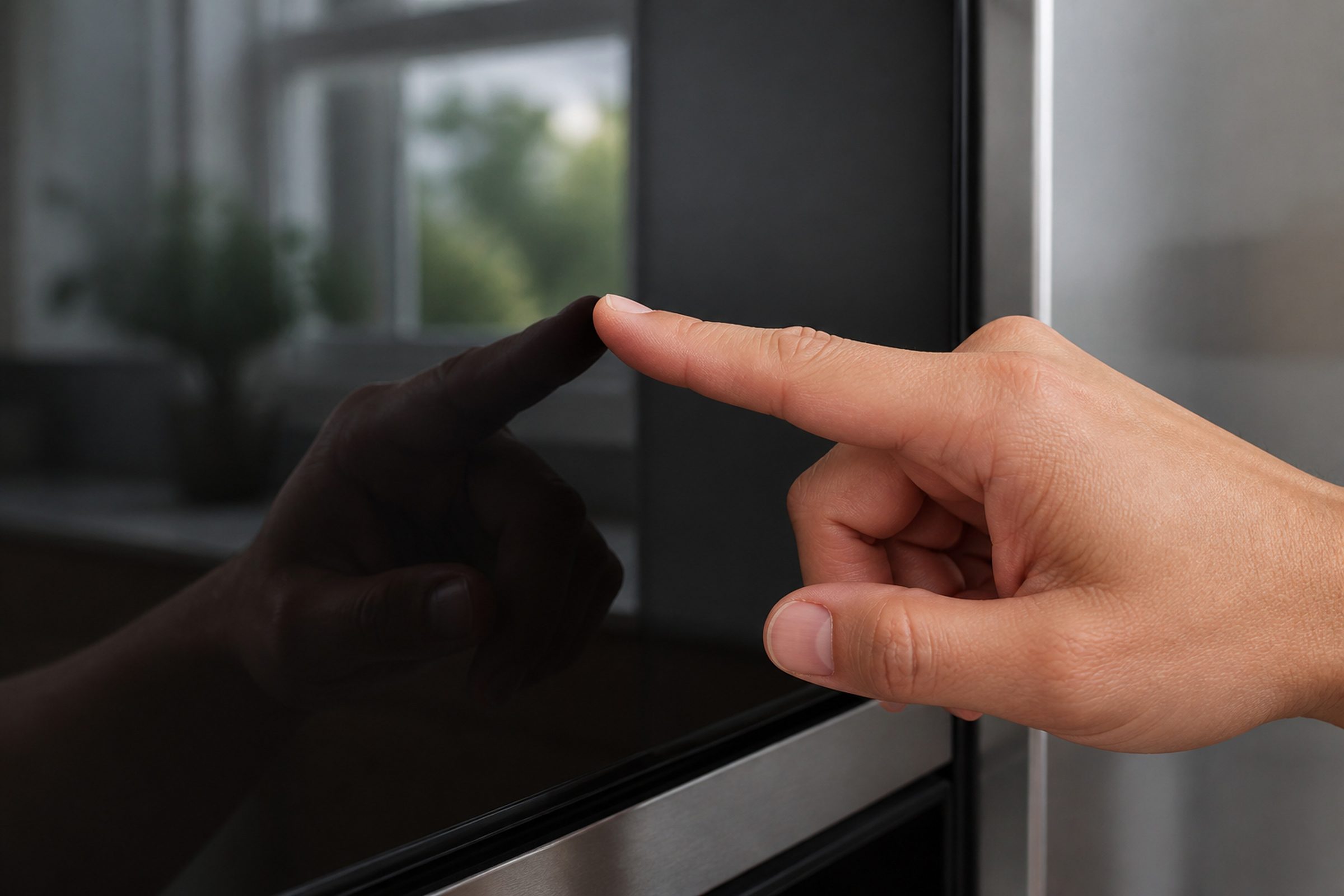
- “Some buttons work, others do nothing”
- “The display is lit and every press is ignored”
- “A lock symbol you did not put there”
Symptom
KitchenAid the control panel is not responding
A panel that lights up and does nothing, or one where some buttons work and others never do. Before this is a repair it is worth ruling out two settings and one very ordinary condition, because between them they explain a lot of these.
- From $95 diagnostic, credited to the repair
- 59 cities and neighborhoods covered
- OEM parts available on order
- In writing the price, before anything is opened
Five ordinary causes
What this usually turns out to be
Cheapest and commonest first, which is also the order we check them in. They sit hundreds of dollars apart, and only the unit settles which one is yours.
-
Control lock is on
A long press somebody did not mean, often shown by a small padlock symbol. Free to clear, and it accounts for a real share of these calls.
-
Sabbath mode or a demo setting
A displayed SAB or a showroom mode makes an appliance behave in ways that look broken and are not. Both are settings rather than failures.
-
Water on the panel, or under it
A wet touch surface responds unreliably. Water that has been under the glass makes it permanent, and that is the version that needs a visit.
Cooktop surface & element repair from $185 -
The touch panel or membrane
Some buttons dead and others fine is the signature. On over-the-range microwaves and cooktops this is a common failure, because of what the panel lives in.
Diagnostic visit from $95 -
The control board
Where an appliance goes after a brownout, and where the diagnosis lands once the panel and the settings are proved good.
Cooking control & display repair from $265
In five minutes
Before you call anybody
None of it needs tools, and all of it makes the visit shorter.
-
01
Look for a lock or a mode symbol
A padlock, SAB or a letter you do not recognize. Your manual names the press-and-hold for each, and all of them are settings rather than problems.
-
02
Dry the panel thoroughly
Especially on a cooktop or a dishwasher door. A wet touch surface behaves erratically and a dry one often behaves perfectly.
-
03
Power cycle at the breaker
One full minute. The manufacturer names this as the first step for several control codes, and it clears a board that came up confused after a brownout.
-
04
Then book the visit
Tell us which buttons work and which do not, and exactly what the display shows — including any letters, which are usually a mode rather than an error.
How it shows up
What people describe when they call

A shortcut
Narrow it down before anybody arrives
A description of the behaviour leaves a few possible causes. A code names the subsystem before anybody opens anything, which is why it is worth photographing before it clears.
If the display is showing something
- F2E1 Cleared at the temperature knob
- F2E1 User Interface or Keypad · Control
- LOC LOC or "L" or Padlock Icon in display: The Control Lock feature is ENABLED Depen…
- F2E1 User Interface / Keypad
- F2E1 Stuck Key oe Console Error
- F2E1 Cooktop Control
Photograph it before it clears — codes do not wait. Search the full code list
In more detail
About KitchenAid the control panel is not responding
The fastest diagnosis is the code
Look for a lock symbol on the display, and try a press-and-hold on the button your manual names for control lock — it is switched on by accident constantly, and on a machine with children in the house it is the first thing worth ruling out. Then dry the panel and try again, because touch controls and moisture do not get along.
Rule out the settings first
Control lock, Sabbath mode and showroom mode are three features that make a healthy appliance look broken, and all three are switched on by press-and-hold combinations that get triggered by accident. Between them they account for a share of the panels we are called to that need nothing but a manual and two minutes. Checking them costs nothing and it is the first thing we would do too.
Then it is the panel, or the board
Some buttons working and others not points at the panel; nothing working at all with a lit display points at the board. On over-the-range microwaves and on cooktops, panels live in steam, grease and spills, which is why they are among the more common repairs on those two appliances. Either way, the exact cost is confirmed after the on-site diagnostic and agreed before any work begins.
This article is based on:
- Official manufacturer documentation
- Internal repair procedures
- Technician repair history
- Company quality standards
Before you book
Questions about KitchenAid the control panel is not responding
What does LOC or a padlock mean?
The control lock is on. It is a deliberate feature — it stops a panel being changed by a passing hand or a cleaning cloth — and it is turned on by a press-and-hold that is very easy to trigger by accident. The same press-and-hold turns it off.
The display says SAB. Is that an error?
No. It means Sabbath mode is on, which changes how the appliance behaves deliberately — lights, tones and displays are suppressed. It is a documented feature and it is switched off the same way it was switched on.
Half the buttons work and half do not.
That is the clearest sign of a touch panel or membrane problem rather than a control board one, because the board is plainly alive and doing what it is told by the buttons that still report. It is a contained repair and worth describing precisely when you book.
Where we do it
Across Miami-Dade, Broward, and Palm Beach
Same terms everywhere we go: an on-site diagnostic first, the price agreed in writing, and the exact figure confirmed once we have seen the unit.
Neighborhoods people ask for by name