- “It will not go past a certain temperature”
- “Everything browns on one side”
- “Recipes that used to work no longer do”
Symptom
KitchenAid the oven runs hot, cold, or will not hold
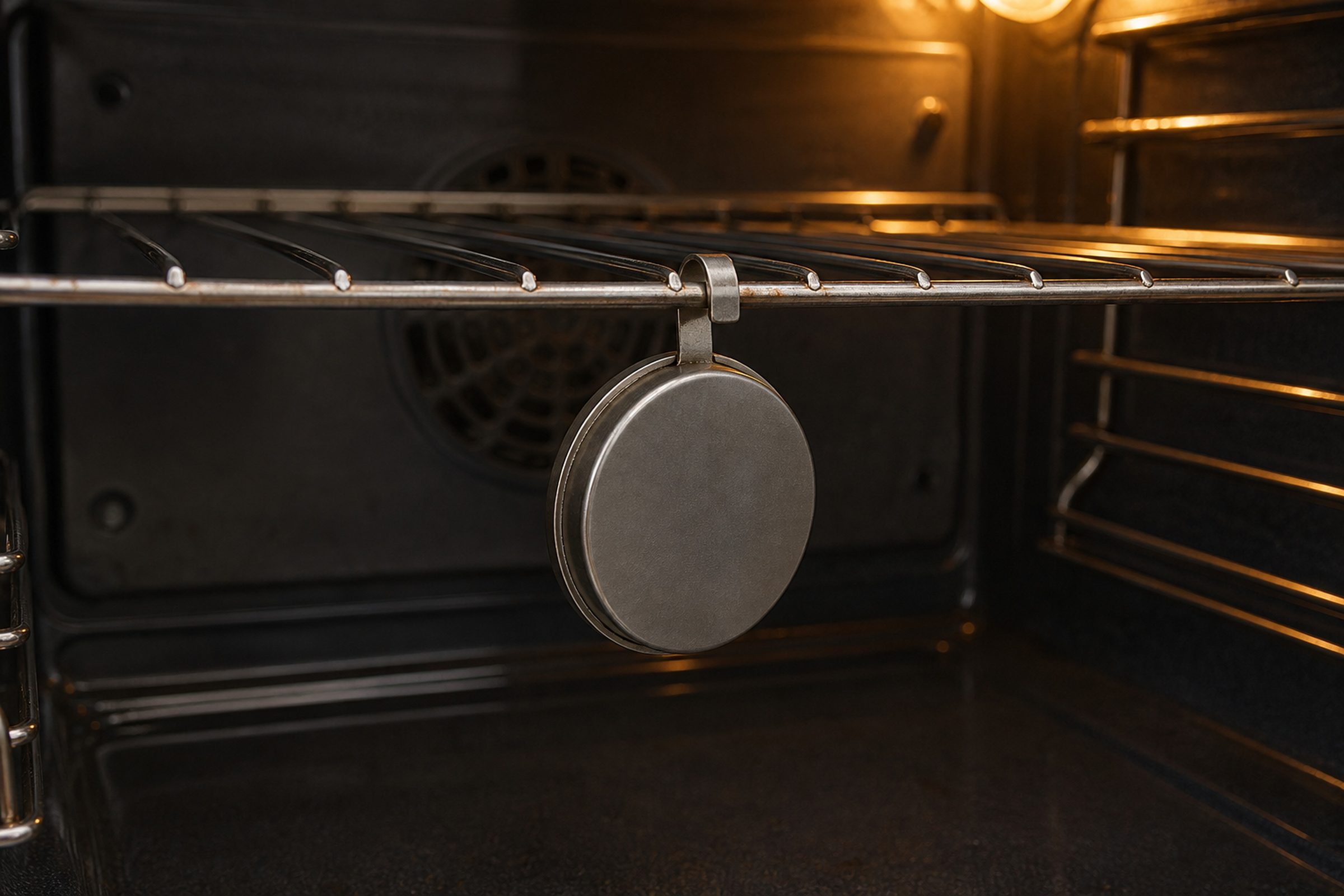
An oven that heats but not to the number on the display. Cakes that sink, cookies that burn on one tray and not the next, a machine that will not go past a certain temperature at all. This is measurement rather than heat.
- From $95 diagnostic, credited to the repair
- 59 cities and neighborhoods covered
- OEM parts available on order
- In writing the price, before anything is opened
Five ordinary causes
What this usually turns out to be
Cheapest and commonest first, which is also the order we check them in. They sit hundreds of dollars apart, and only the unit settles which one is yours.
-
The oven temperature sensor
Drifting rather than failing, so the cavity settles a long way from where the display says. The most common cause of this complaint by some distance.
Oven heat & sensor repair from $195 -
Calibration
These ovens have an adjustment, and it can be set — deliberately or accidentally — a long way out. It is a setting rather than a repair, and worth checking first.
-
A weak element or igniter
Enough heat to climb slowly and not enough to reach the top of the range. The signature is an oven that will not pass a particular temperature.
Oven heat & sensor repair from $195 -
The door seal or a sagging hinge
Heat leaving as fast as it arrives. A door that no longer closes flush is visible from across the room once somebody points it out.
Oven door & latch repair from $215 -
The convection fan
Uneven browning front to back or side to side, on an oven that measures correctly and heats correctly. Air is not being moved the way the recipe assumes.
Oven heat & sensor repair from $195
In five minutes
Before you call anybody
None of it needs tools, and all of it makes the visit shorter.
-
01
Measure with an oven thermometer
Set 350°F, wait for the preheat tone, then wait fifteen minutes more before you read it. Ovens overshoot and settle, and reading it too early tells you nothing.
-
02
Check the calibration setting
The manual for your model names the sequence. If somebody adjusted it years ago for a different oven habit, this is where that lives.
-
03
Look at the door
Closed flush all the way round, seal intact, no gap at a top corner. A door that sits proud loses heat continuously and imitates every other cause on this page.
-
04
Then book the visit
Tell us the number you measured against the number you set. That single comparison is worth more than any description of how the cooking has been going.
How it shows up
What people describe when they call

A shortcut
Narrow it down before anybody arrives
A description of the behaviour leaves a few possible causes. A code names the subsystem before anybody opens anything, which is why it is worth photographing before it clears.
If the display is showing something
Photograph it before it clears — codes do not wait. Search the full code list
In more detail
About KitchenAid the oven runs hot, cold, or will not hold
If you are looking up kitchenaid the oven runs hot cold or will not hold, this is the page: the oven runs hot, cold, or will not hold, what it usually turns out to be, and the check worth doing before anybody is called out in Miami.
The fastest diagnosis is the code
Buy an oven thermometer and find out what the cavity is actually doing — set 350°F, wait for the preheat tone, then give it fifteen more minutes and read it. That one number turns "everything bakes badly" into a measurement, and it separates a sensor problem from a calibration setting from an oven that is genuinely fine and being asked to do something it never could.
The oven is telling you what it believes
The number on the display is not a measurement of your cavity — it is what the control thinks, based on one sensor. When that sensor drifts, the oven behaves perfectly and cooks badly, and no amount of watching the display will show it. A ten-dollar thermometer settles in twenty minutes what a description cannot settle at all.
Bring us a number, not an impression
"It runs cool" is a starting point. "Set to 350, sitting at 305 after twenty minutes" is a diagnosis. The second one tells us whether we are looking at a sensor, a calibration setting or a heat delivery problem before anybody opens the appliance, and it is the difference between one visit and two.
This article is based on:
- Official manufacturer documentation
- Internal repair procedures
- Technician repair history
- Company quality standards

Before you book
Questions about KitchenAid the oven runs hot, cold, or will not hold
How far out is too far out?
A well-behaved oven cycles a few degrees either side of the setting. Consistently twenty-five or more away from the number, or a swing you can watch on a thermometer, is worth attending to — particularly if it used to be right and has drifted.
Can I just set it higher and carry on?
You can, and plenty of people do. What it does not fix is a swing, which is what ruins baking, and it hides a sensor that is going to keep drifting. Calibration is the honest version of the same idea and it is built into the appliance.
It burns on one side only.
That is usually air rather than temperature — a convection fan not moving what it should, or racks and trays blocking the flow. It is also worth checking the oven is level, because a machine sitting on an uneven floor bakes unevenly and always has.
Where we do it
Across Miami-Dade, Broward, and Palm Beach
Same terms everywhere we go: an on-site diagnostic first, the price agreed in writing, and the exact figure confirmed once we have seen the unit.
Neighborhoods people ask for by name